Home Indicators TCL AUTO TRIANGLES
PRO MT4
(0 Reviews)

TCL AUTO TRIANGLES

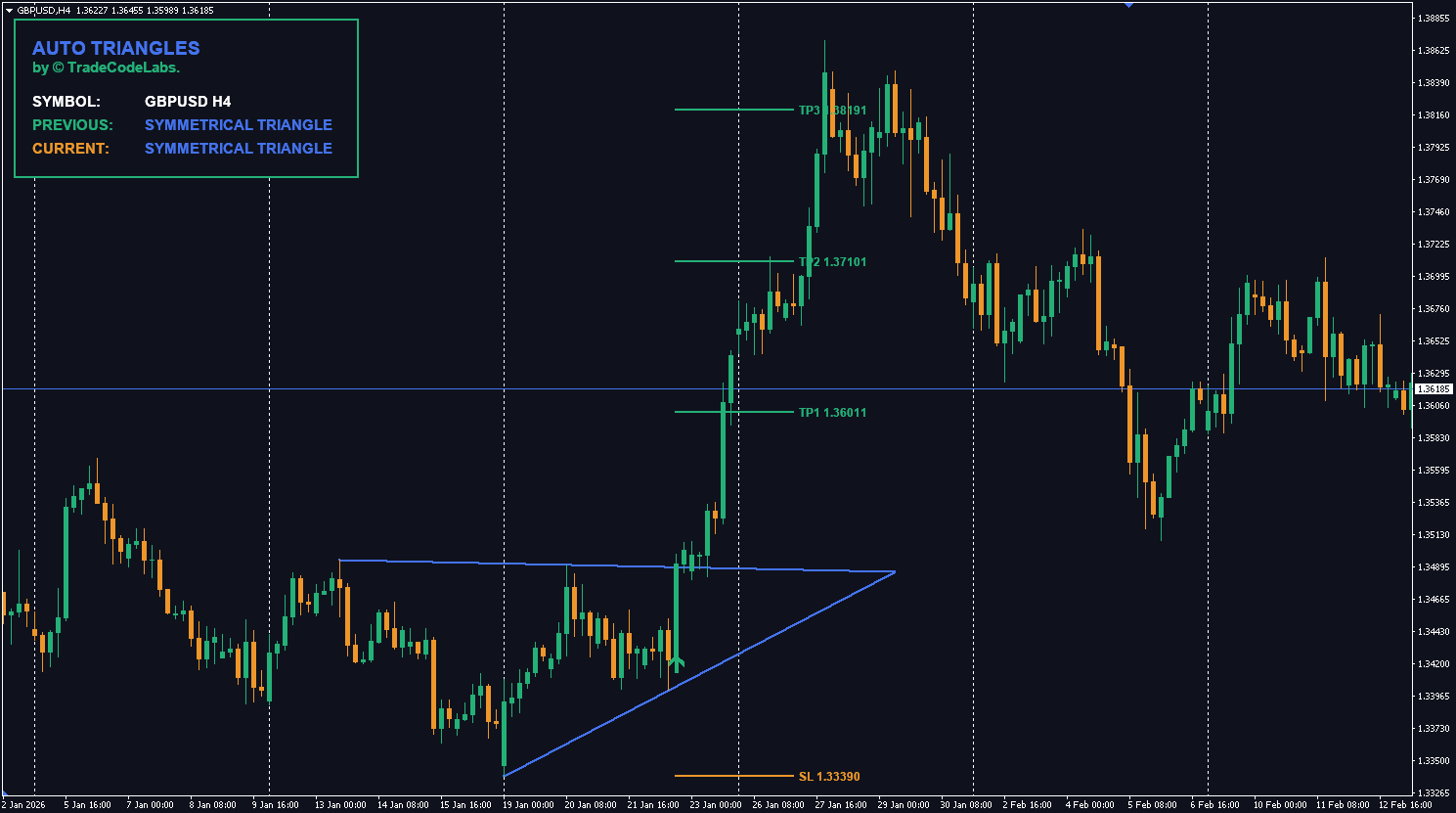
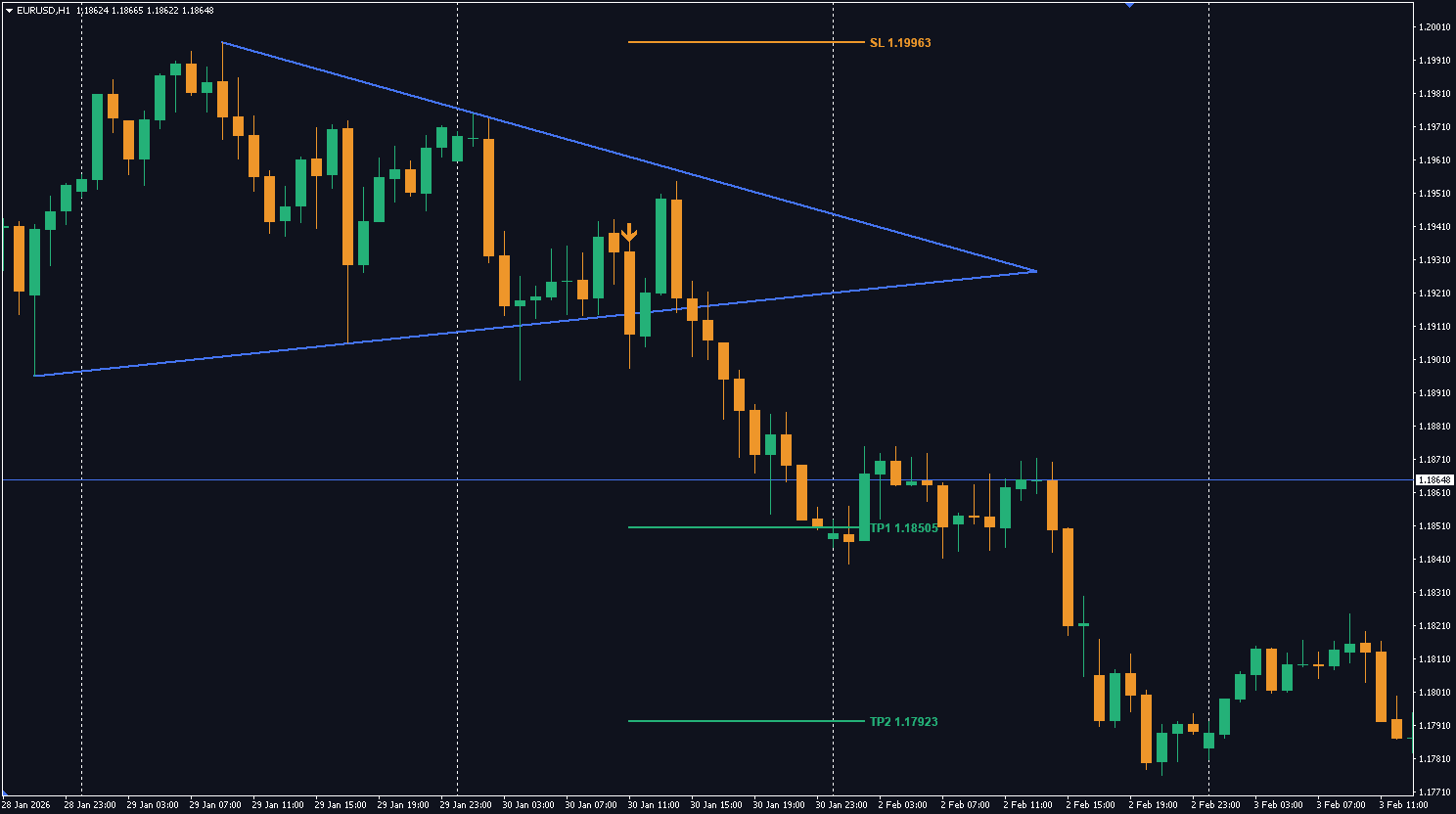
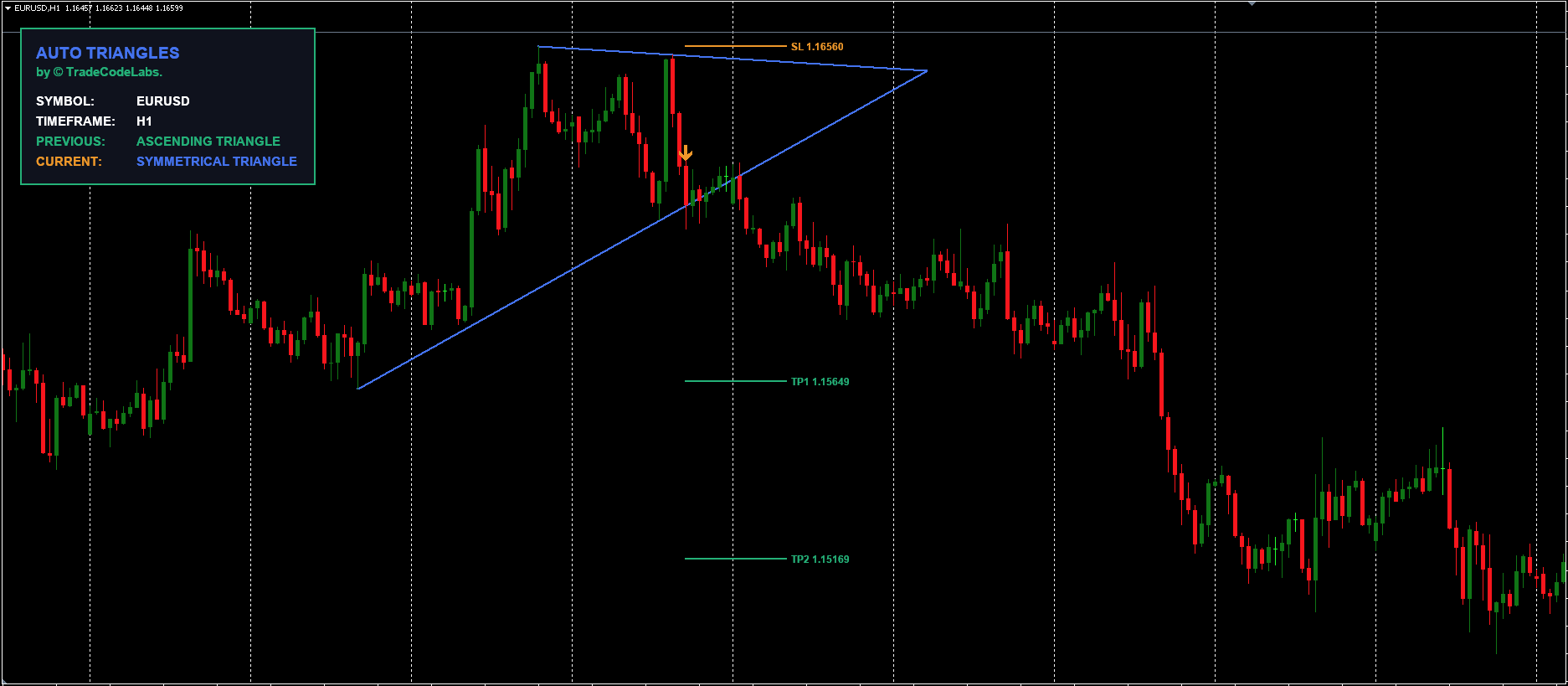
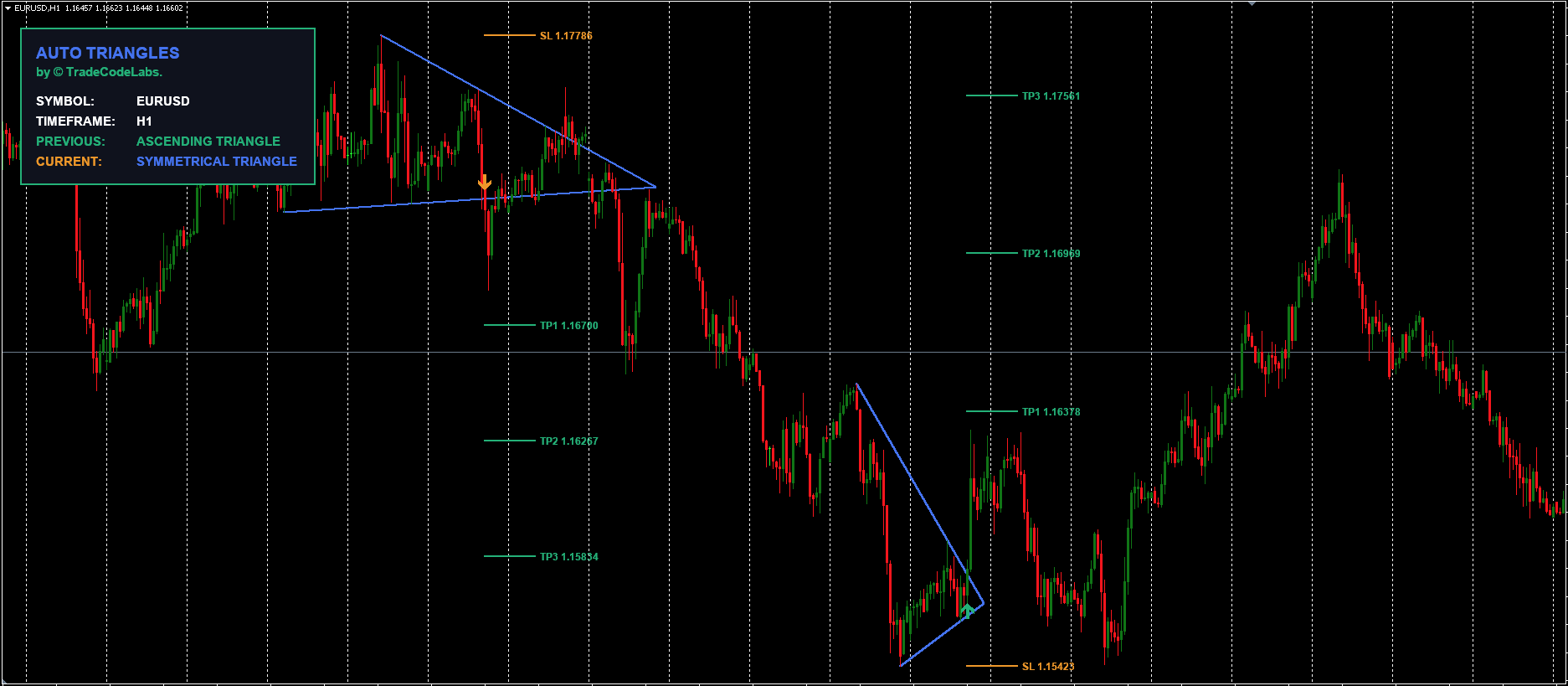
Forget drawing lines manually. This indicator automatically detects Ascending, Descending, and Symmetrical Triangles and plots breakout targets (TP/SL) in real-time.

$49 $74.99 Save 35%
Auto Pattern Detection
Breakout Targets (TP/SL)
Ascending, Descending, Symmetrical
Real-Time Dashboard
Unlock Lifetime Access

Secure payment • One-time purchase, no subscriptions
TCL AUTO TRIANGLES $49
Unlock Lifetime Access

The “Holy Grail” of Pattern Trading

Triangle patterns are among the most reliable setups in technical analysis because they represent a coiling of market energy that must eventually release. However, spotting them in real-time is difficult. The TCL Auto Triangles indicator solves this by scanning price action 24/7 to find valid structures.

Three Patterns, One Tool

The indicator automatically classifies market structure into three distinct types:

  • Ascending Triangle (Bullish Bias): Flat resistance with higher lows. Indicates buyers are aggressive.
  • Descending Triangle (Bearish Bias): Flat support with lower highs. Indicates sellers are aggressive.
  • Symmetrical Triangle (Neutral/Explosive): Converging slope lines. Indicates a massive breakout is imminent in either direction.

Automated Trade Management

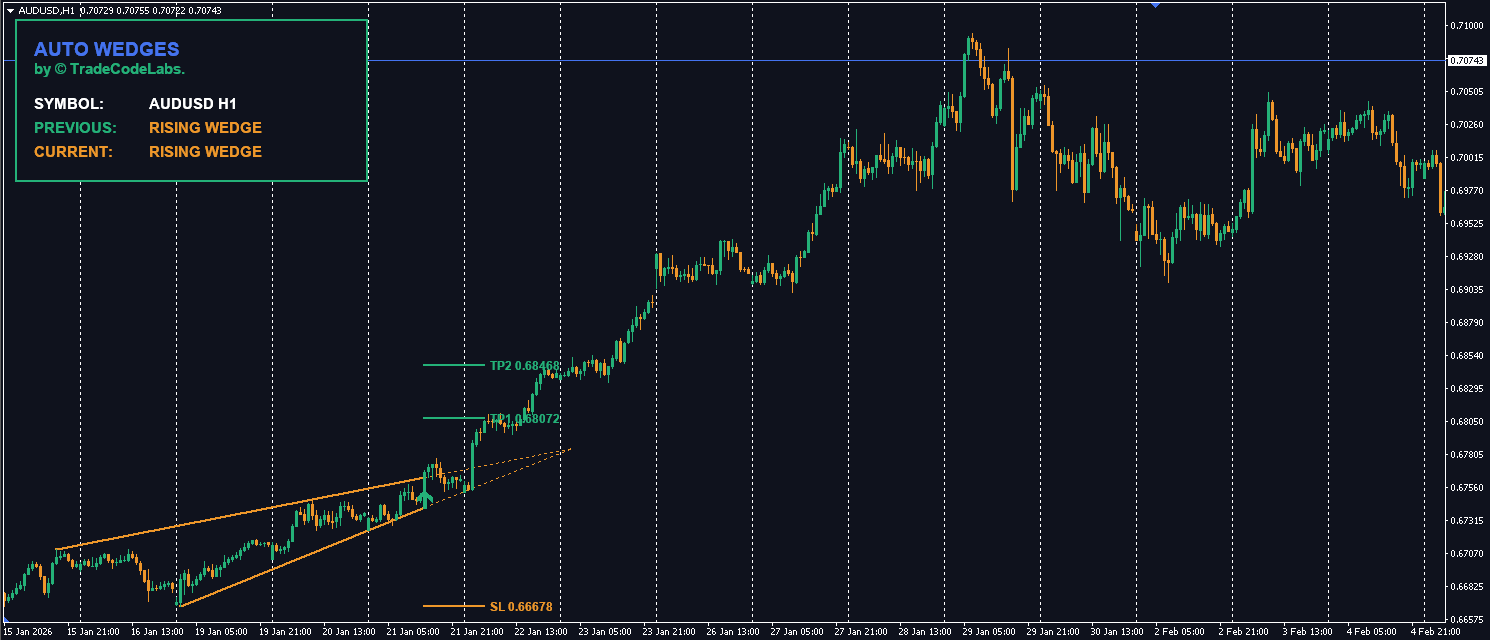
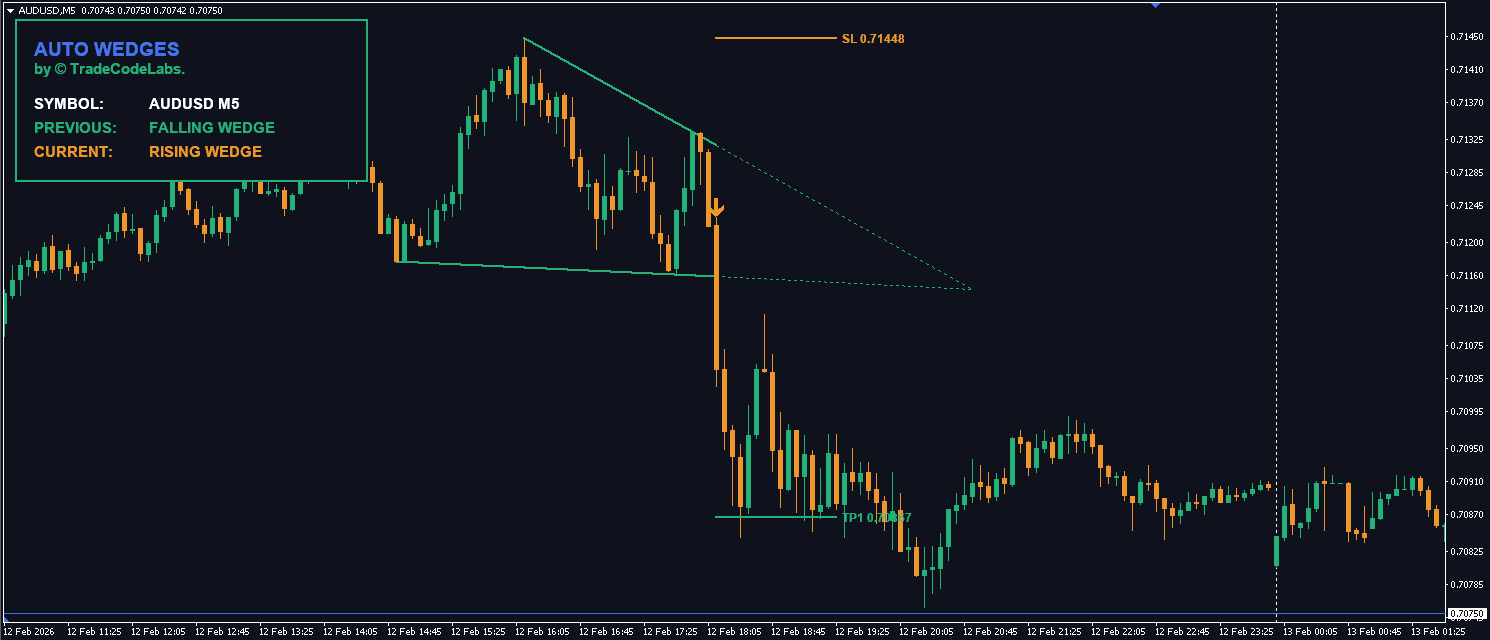
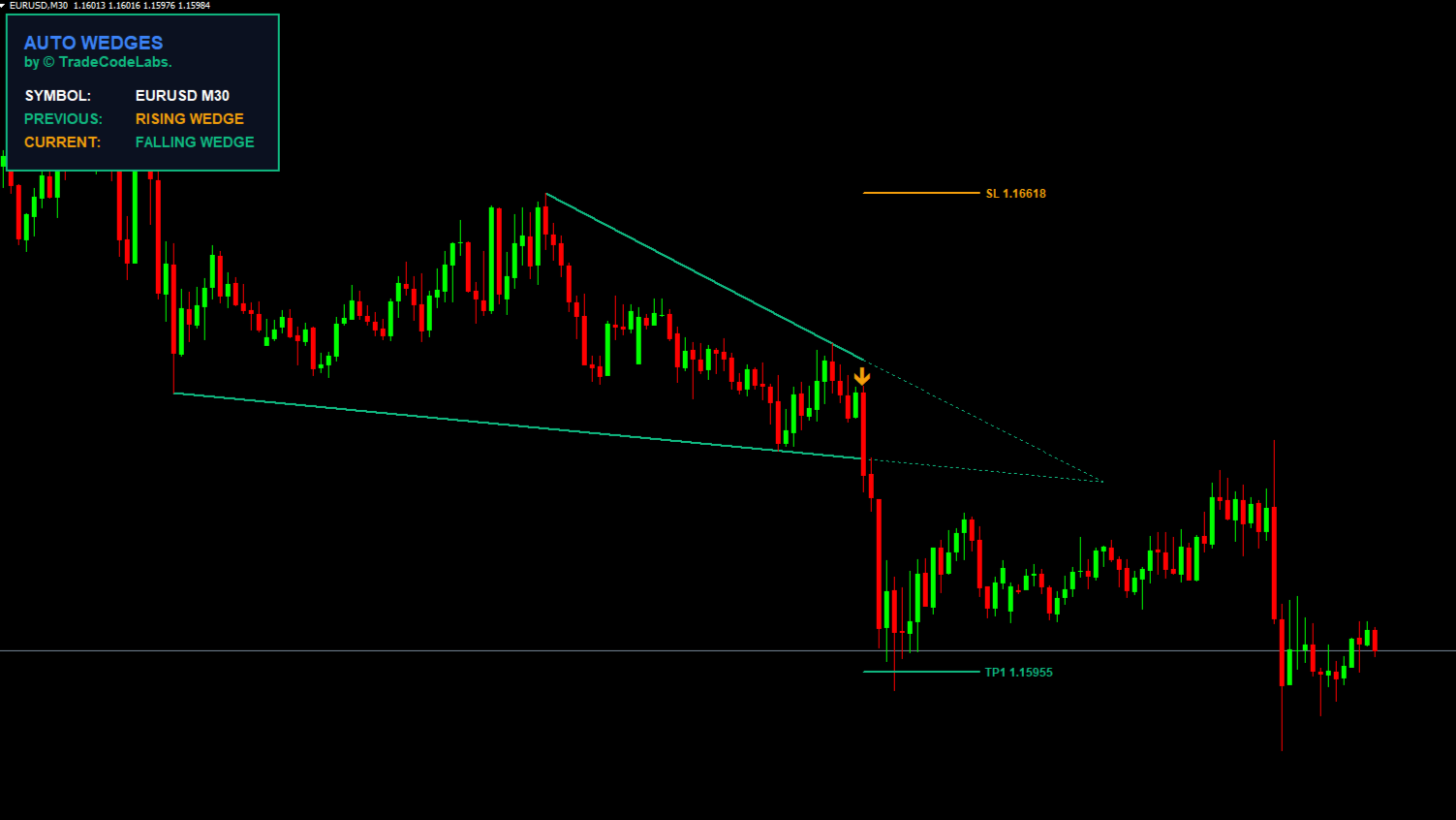
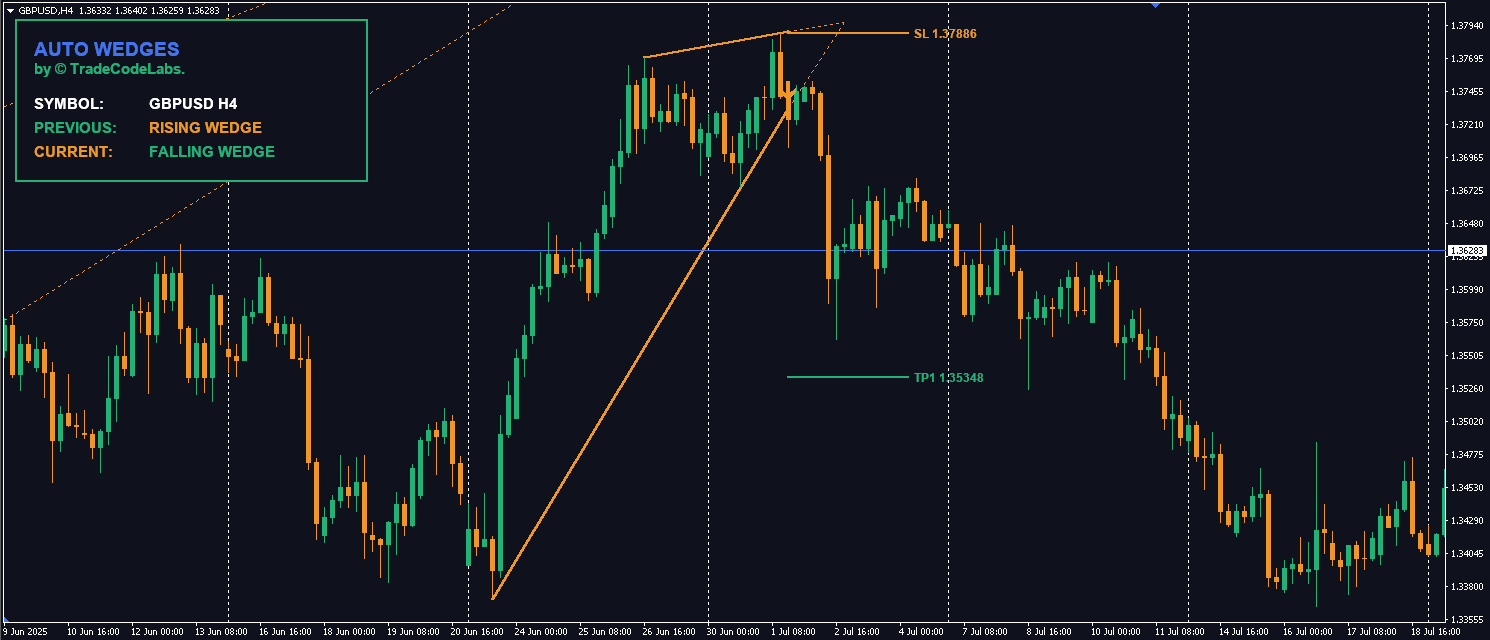
Most pattern indicators just draw lines and leave you hanging. TCL Auto Triangles goes a step further. Once a breakout candle closes outside the pattern:

1. It paints a Signal Arrow (Buy or Sell).

2. It calculates and draws 3 Take Profit Levels based on the pattern’s height.

3. It draws a Stop Loss level at the recent swing point to protect your capital.

 Three Triangle Patterns Explained

PatternStructureBiasWhat It Signals
Ascending TriangleFlat resistance + higher lowsBullishBuyers are aggressive — each pullback is shallower. Breakout expected upward
Descending TriangleFlat support + lower highsBearishSellers are aggressive — each bounce is weaker. Breakdown expected downward
Symmetrical TriangleConverging trendlines (both slopes)NeutralEnergy is coiling — a massive breakout is imminent in either direction

How the Automated TP/SL System Works

LevelCalculationDescription
EntryBreakout candle closeSignal arrow painted when price closes outside the triangle boundary
Stop LossRecent swing pointPlaced at the last swing high/low inside the triangle for capital protection
TP150% of triangle heightConservative target — first partial profit level
TP2100% of triangle heightStandard target — classic measured move
TP3150% of triangle heightExtended target — for runners in strong breakouts

Pro Tip: The Height Projection Method

The indicator uses the classic “measured move” technique:

  1. It measures the widest part of the triangle (the height at the beginning)
  2. Projects that distance from the breakout point
  3. TP1 = 50% of height, TP2 = 100%, TP3 = 150%
  4. This is the same method professional institutional traders use for triangle breakout targets

Best Timeframes for Triangle Patterns

TimeframeReliabilityVolume of SignalsRecommendation
M1–M5Low — high noiseMany (mostly false)Not recommended — too many fakeouts
M15–M30ModerateModerateAcceptable for intraday scalping with confirmation
H1HighGood balanceRecommended for day trading
H4Very HighFewer but reliableBest for swing trading triangle setups
D1HighestRare but very powerfulBest reliability — institutional-grade patterns

TCL Auto Triangles vs Manual Pattern Drawing

FeatureManual DrawingBasic Pattern IndicatorTCL Auto Triangles
DetectionSubjective — experience requiredOften inaccurate or delayedZigZag-based automated detection
Pattern typesDepends on trader skillUsually 1–2 typesAll 3: Ascending, Descending, Symmetrical
Take Profit levelsManual calculationNoneAuto-calculated 3 TP levels (50%/100%/150%)
Stop LossManual placementNoneAuto-placed at recent swing point
Signal arrowsNone — visual onlySometimesYes — on breakout candle close
RepaintingN/AOftenNo — breakout signals are permanent

Related Indicators

Technical Specs

Version 1.2
Category
Files .ex4
Activations 5

Documentation

How to Install Step-by-step Guide (Win/Mac)
Buffers
For Devs
Index Type Purpose Empty Value
0 Arrow Buy Breakout Signal (Price Level) EMPTY_VALUE
1 Arrow Sell Breakout Signal (Price Level) EMPTY_VALUE
2 State Pattern Type ID 0.0
3 Line Top Trendline Value EMPTY_VALUE
4 Line Bottom Trendline Value EMPTY_VALUE
5 Line Take Profit 1 Level EMPTY_VALUE
6 Line Take Profit 2 Level EMPTY_VALUE
7 Line Take Profit 3 Level EMPTY_VALUE
8 Line Stop Loss Level EMPTY_VALUE


Output Keys (Buffer 2)
0: No Pattern
1: Ascending Triangle
2: Descending Triangle
3: Symmetrical Triangle


// Example: Get the Buy Signal (Buffer 0) for the current candle
// Note: String parameters are required to maintain input order
double buySignal = iCustom(NULL, 0, "TCL_Auto_Triangles",
"", "", // License Email, Order ID
"=== STRATEGY ===", // SECTION_1
12, 5, 3, // ZigZag: Depth, Dev, Backstep
"=== FILTERS ===", // SECTION_2
true, 20, 300, 2.0, 10.0, // Validate, MinBar, MaxBar, Apex, Tol
"=== TRADE ===", // SECTION_3
0.5, 1.0, 1.5, 0, // TP1, TP2, TP3, SL Buffer
0, 0 // Buffer Index (0=Buy), Shift (0=Current)
);

Feature Requests

Vote for the next update.

No pending requests.

Frequently Bought Together

Frequently Asked Questions

Everything you need to know about the product.

Indicator Buffers

Reference for Expert Advisor development.

Index	Type	Purpose						Empty Value
0	Arrow	Buy Breakout Signal (Price Level)		EMPTY_VALUE
1	Arrow	Sell Breakout Signal (Price Level)		EMPTY_VALUE
2	State	Pattern Type ID					0.0
3	Line	Top Trendline Value				EMPTY_VALUE
4	Line	Bottom Trendline Value			EMPTY_VALUE
5	Line	Take Profit 1 Level				EMPTY_VALUE
6	Line	Take Profit 2 Level				EMPTY_VALUE
7	Line	Take Profit 3 Level				EMPTY_VALUE
8	Line	Stop Loss Level					EMPTY_VALUE


Output Keys (Buffer 2)
0: No Pattern
1: Ascending Triangle
2: Descending Triangle
3: Symmetrical Triangle


// Example: Get the Buy Signal (Buffer 0) for the current candle
// Note: String parameters are required to maintain input order
double buySignal = iCustom(NULL, 0, "TCL_Auto_Triangles",
   "", "",                     // License Email, Order ID
   "=== STRATEGY ===",         // SECTION_1
   12, 5, 3,                   // ZigZag: Depth, Dev, Backstep
   "=== FILTERS ===",          // SECTION_2
   true, 20, 300, 2.0, 10.0,   // Validate, MinBar, MaxBar, Apex, Tol
   "=== TRADE ===",            // SECTION_3
   0.5, 1.0, 1.5, 0,           // TP1, TP2, TP3, SL Buffer
   0, 0                        // Buffer Index (0=Buy), Shift (0=Current)
);