| Auto-Optimize Settings |
true |
If true, uses internal optimized presets for each timeframe. |
| Manual Trend MA Method |
EMA |
Calculation method for the trend MA (if Auto is false). |
| Manual MA Period |
50 |
Manual period for Moving Average. |
| Manual RSI Period |
14 |
Manual period for RSI. |
| Manual MACD Fast |
12 |
Manual MACD Fast EMA. |
| Manual MACD Slow |
26 |
Manual MACD Slow EMA. |
| Manual MACD Signal |
9 |
Manual MACD Signal Line. |
| Signal Generation Mode |
SIG_MA_RSI_MACD |
Select one of the 8 strategy engines. |
| Max Lookback Bars |
2000 |
Number of bars to calculate history. |
| Use MTF Filter |
true |
If true, checks higher timeframes for trend alignment. |
| MTF Confirmations Required |
1 |
How many higher timeframes must agree (e.g., 1 = Next Higher TF). |
| Use ADX Filter |
false |
If true, requires ADX > Min Level. |
| ADX Min Level |
20 |
Minimum trend strength required. |
| Use Distance Filter |
true |
Prevents clustering of signals. |
| Min Bars Gap |
10 |
Minimum bars between consecutive signals. |
| M1: MA Period |
50 |
Period for the trend baseline. |
| M1: RSI Period |
14 |
Period for momentum confirmation. |
| M1: MACD Fast |
12 |
MACD Fast EMA. |
| M1: MACD Slow |
26 |
MACD Slow EMA. |
| M1: MACD Signal |
9 |
MACD Signal Line. |
| M2: SuperTrend Period |
10 |
ATR Period for SuperTrend. |
| M2: Multiplier |
3.0 |
ATR Multiplier for volatility stop. |
| M3: Tenkan-Sen |
9 |
Conversion Line period. |
| M3: Kijun-Sen |
26 |
Base Line period. |
| M3: Senkou Span B |
52 |
Leading Span B period. |
| M4: Volume Period |
20 |
Lookback for average volume. |
| M4: Spike Threshold |
1.5 |
Multiplier (e.g., Volume must be 1.5x the average). |
| M5: RSI Period |
14 |
RSI period for divergence check. |
| M5: Divergence Lookback |
20 |
Bars to check for peaks/troughs. |
| M6: Fast EMA |
8 |
Fast EMA for crossover. |
| M6: Slow EMA |
21 |
Slow EMA for crossover. |
| M6: ATR Period |
14 |
ATR period for volatility check. |
| M6: Expansion Multiplier |
1.5 |
ATR must expand by this factor to trigger. |
| M7: BB Period |
20 |
Bollinger Bands period. |
| M7: BB StdDev |
2.0 |
Standard Deviations. |
| M7: Squeeze Threshold |
0.05 |
Bandwidth % to define a squeeze (e.g., 0.05 = 5%). |
| M8: ST Period |
10 |
SuperTrend Period. |
| M8: ST Multiplier |
3.0 |
SuperTrend Multiplier. |
| M8: RSI Period |
14 |
RSI confirmation period. |
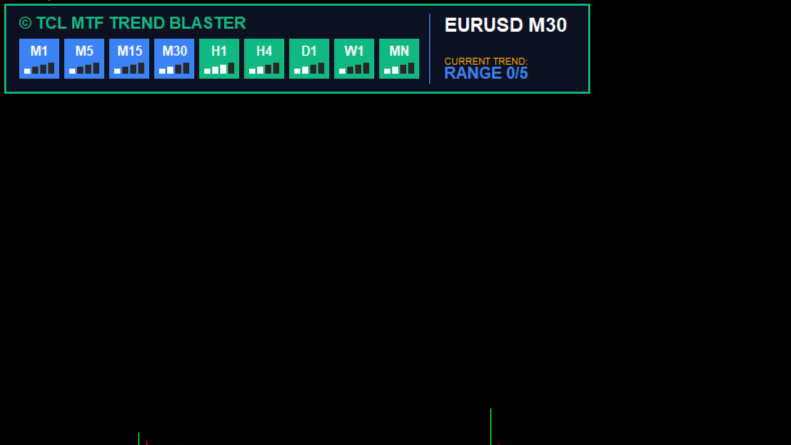
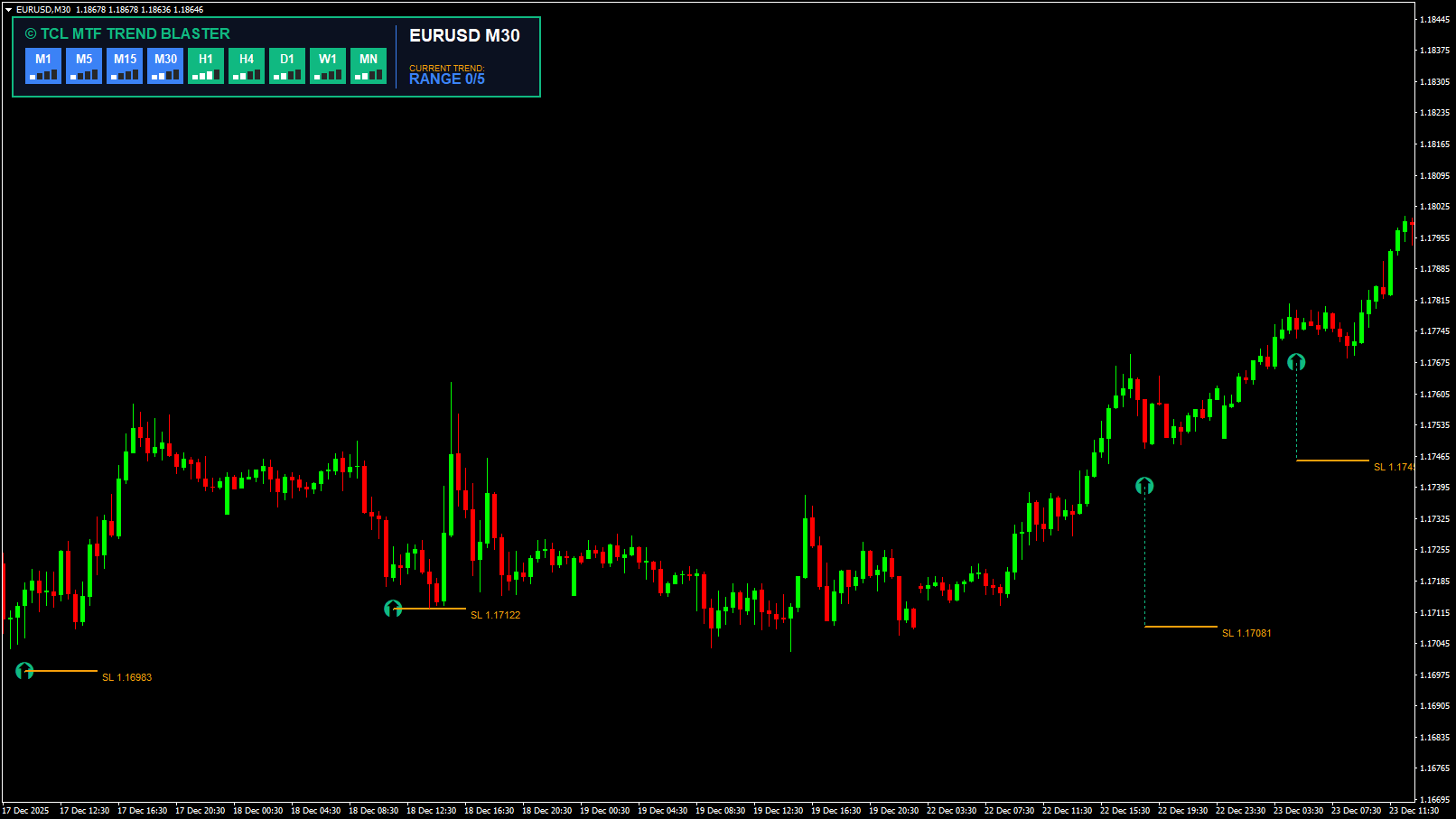
| Show Dashboard |
true |
Toggle the 9-timeframe matrix panel. |
| Dashboard Position |
TL |
Corner to display the dashboard. |
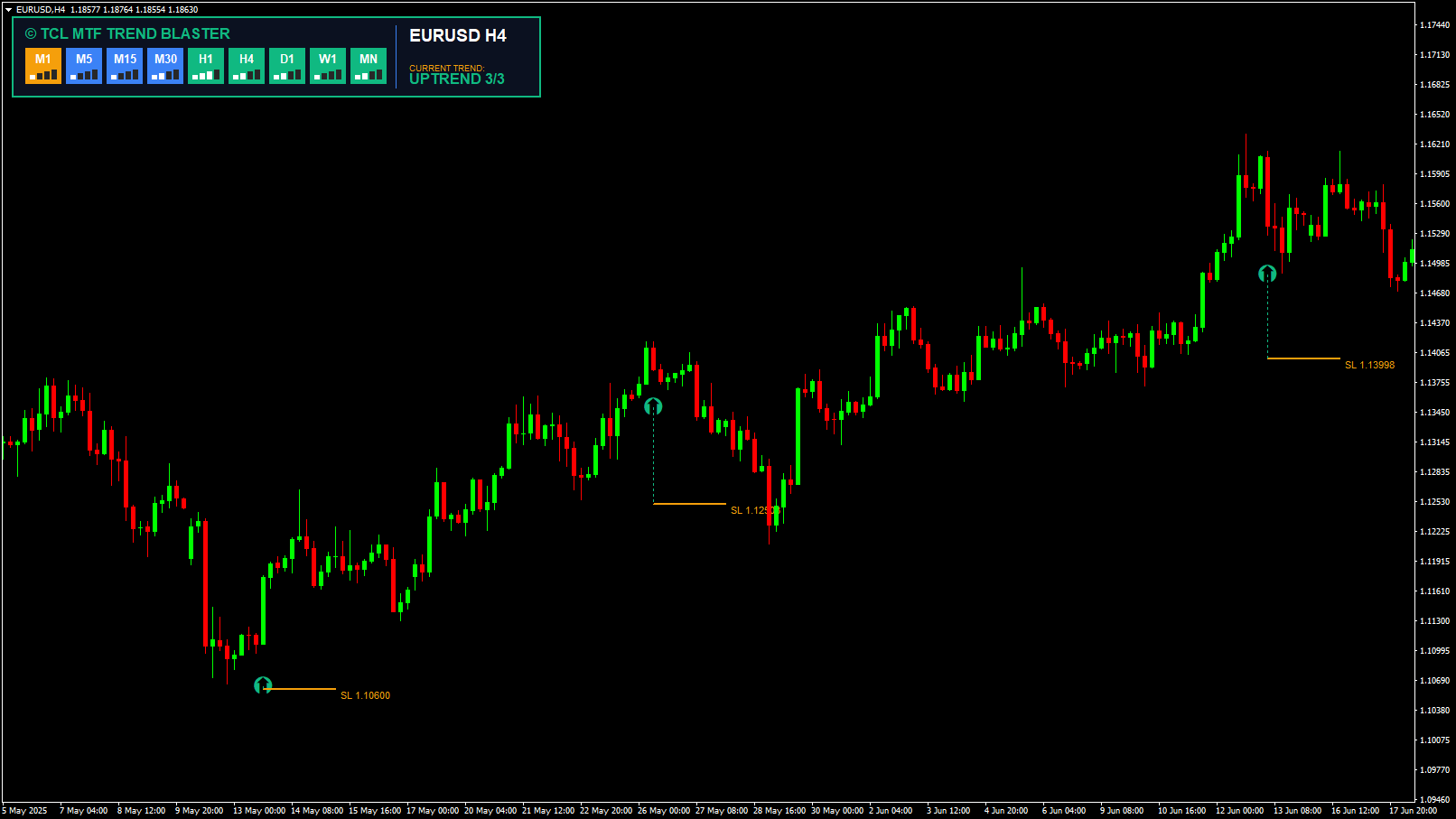
| Arrow Size |
20 |
Size of the signal arrows. |
| Arrow Distance (ATR) |
1 |
Distance of arrow from candle high/low in ATR. |
| SL Line Length |
10 |
How long the visual SL line extends. |
| SL ZigZag Depth |
5 |
ZigZag setting for finding swing points. |
| SL ZigZag Deviation |
5 |
ZigZag setting. |
| SL ZigZag Backstep |
3 |
ZigZag setting. |
| SL Padding (Points) |
50 |
Extra buffer added to the swing point. |
| SL Line Color |
245,159,11 |
Color of the visual SL line. |
| Max SL: M1 |
20 |
Maximum allowed Stop Loss distance for M1. |
| Max SL: M5 |
30 |
Maximum allowed Stop Loss distance for M5. |
| Max SL: M15 |
50 |
Maximum allowed Stop Loss distance for M15. |
| Max SL: M30 |
70 |
Maximum allowed Stop Loss distance for M30. |
| Max SL: H1 |
100 |
Maximum allowed Stop Loss distance for H1. |
| Max SL: H4 |
150 |
Maximum allowed Stop Loss distance for H4. |
| Max SL: D1 |
250 |
Maximum allowed Stop Loss distance for D1. |
| Popup Alert |
true |
Enable MT4 popup window alerts. |
| Push Notification |
false |
Enable mobile push alerts. |
| Email Alert |
false |
Enable email alerts. |
| Sound Alert |
false |
Enable sound alerts. |
| Sound File |
"alert.wav" |
Filename for sound alert. |
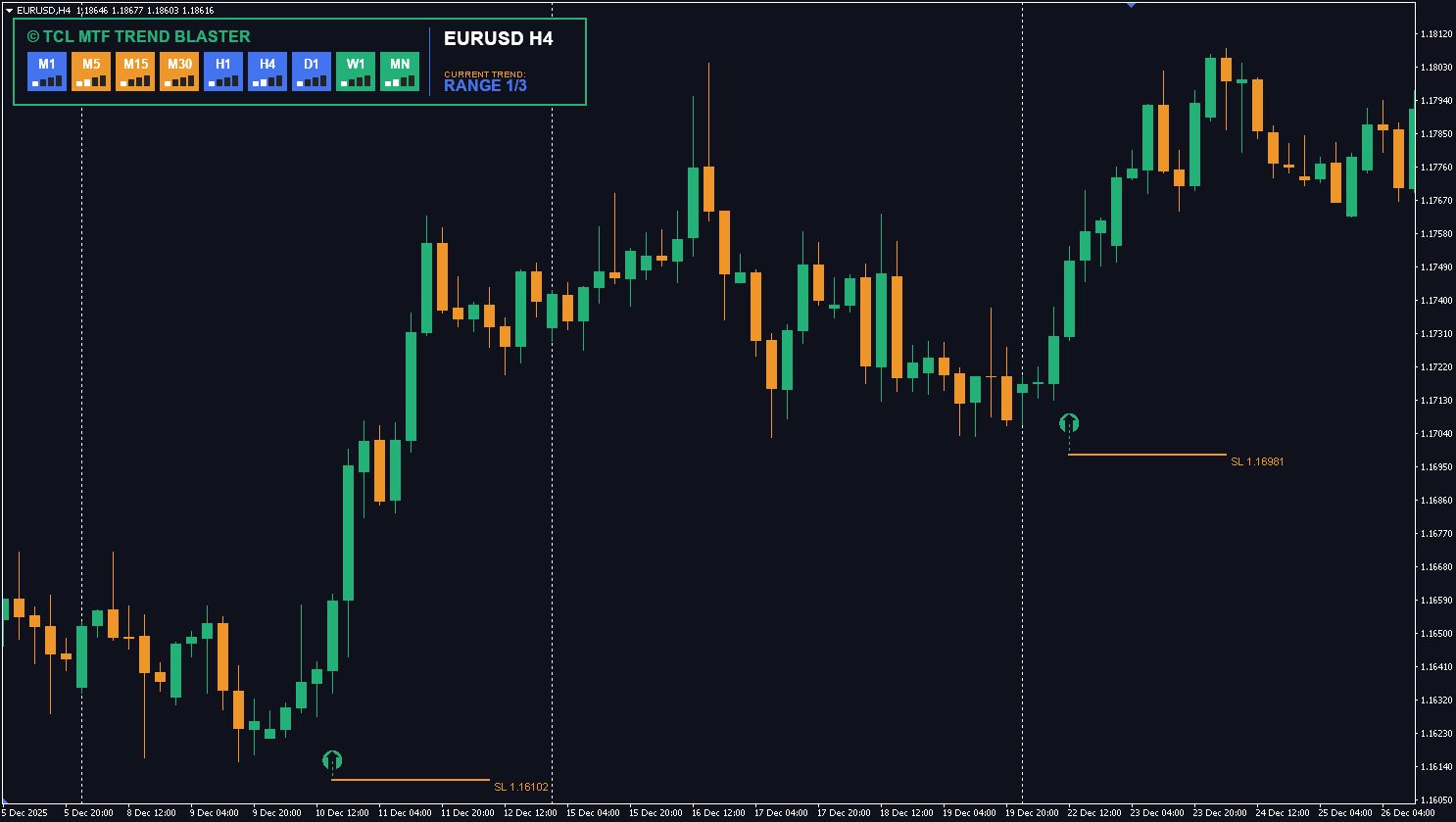
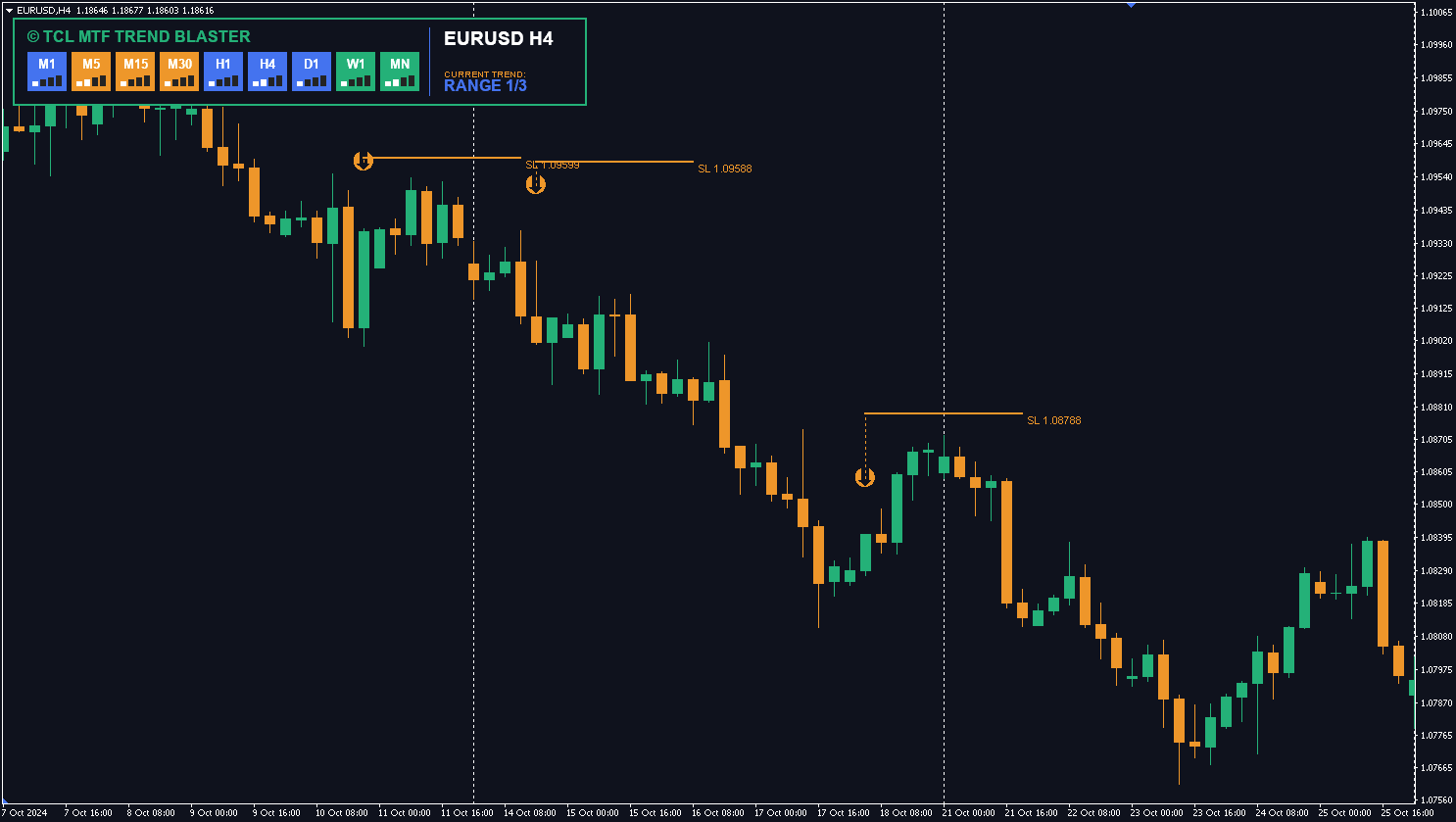
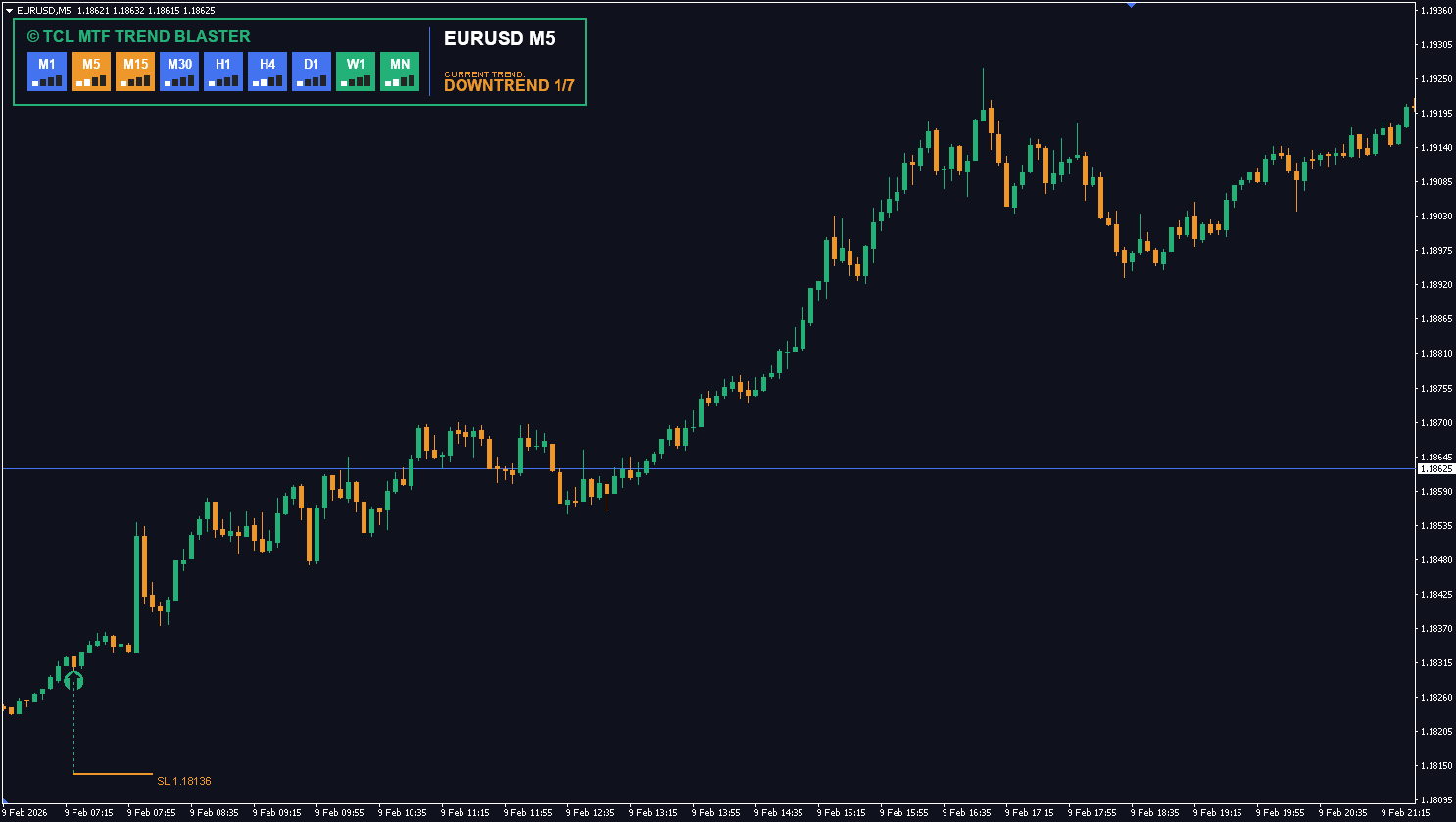
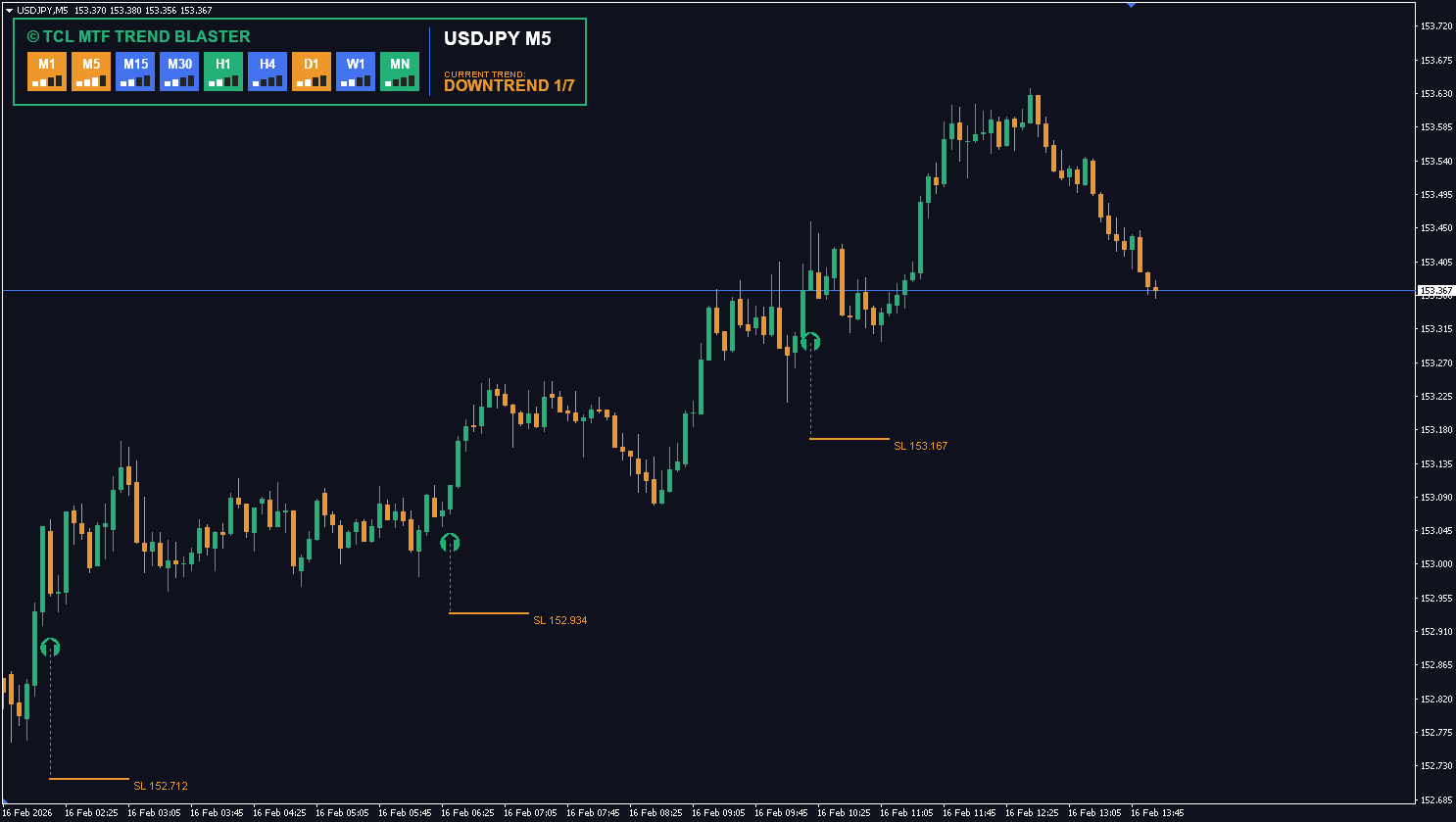
No reviews yet. Be the first to rate this tool!
Write a Review