Most SuperTrend indicators use a single ATR multiplier to draw a line above or below price. The TCL Super Trend goes deeper, it uses a dual-logic state machine that tracks both the highest lows and lowest highs within a configurable lookback window (Amplitude). A trend reversal is only confirmed when the smoothed extremes (via SMA or EMA) cross the tracked price boundaries and the close breaks the previous bar’s high/low.
This two-condition confirmation creates a SuperTrend line that is naturally resistant to whipsaws. The line “locks” to a support level in uptrends and a resistance level in downtrends, ratcheting tighter as the trend extends, never backtracking.
ATR-Adaptive Volatility Bands
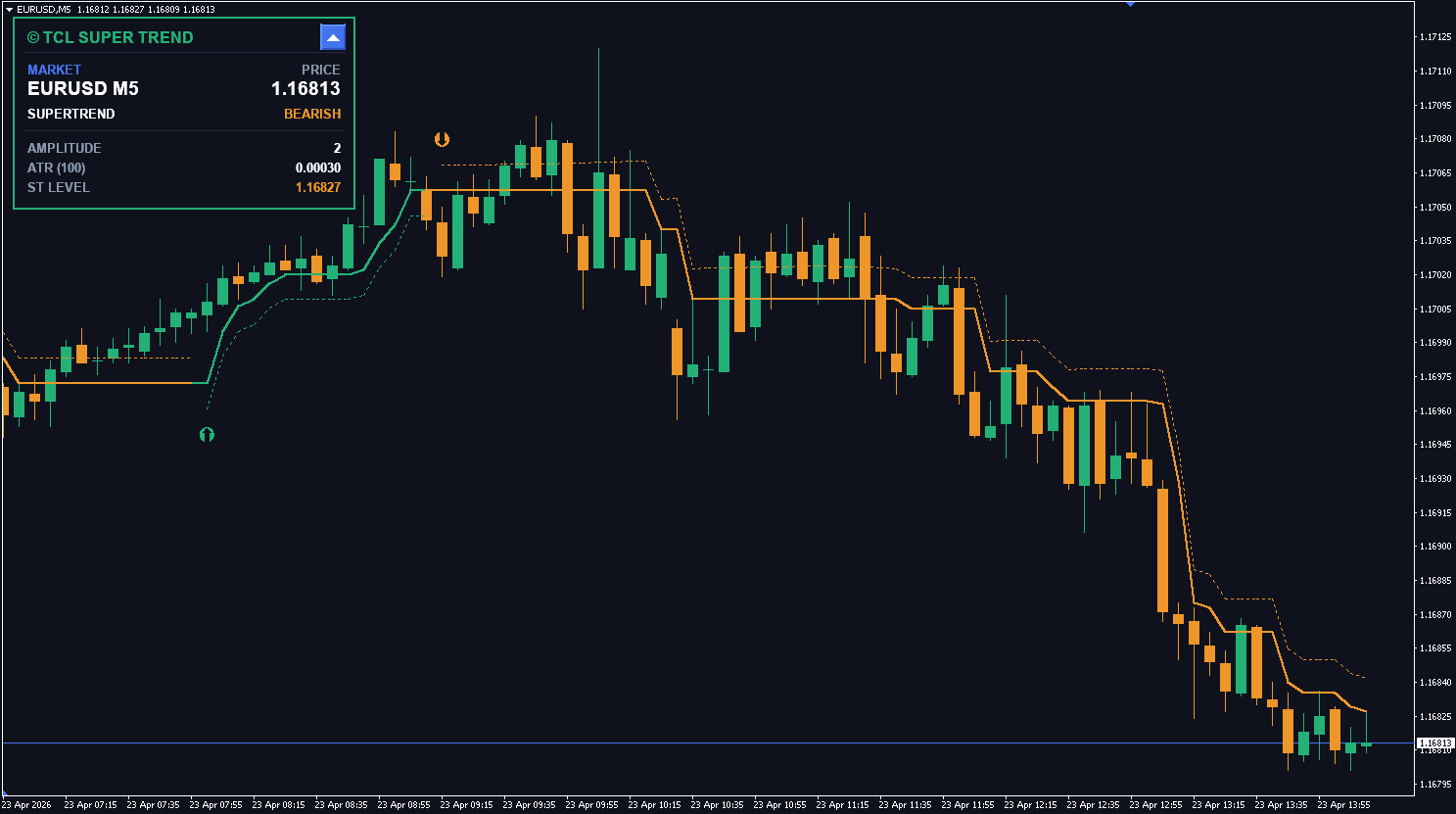
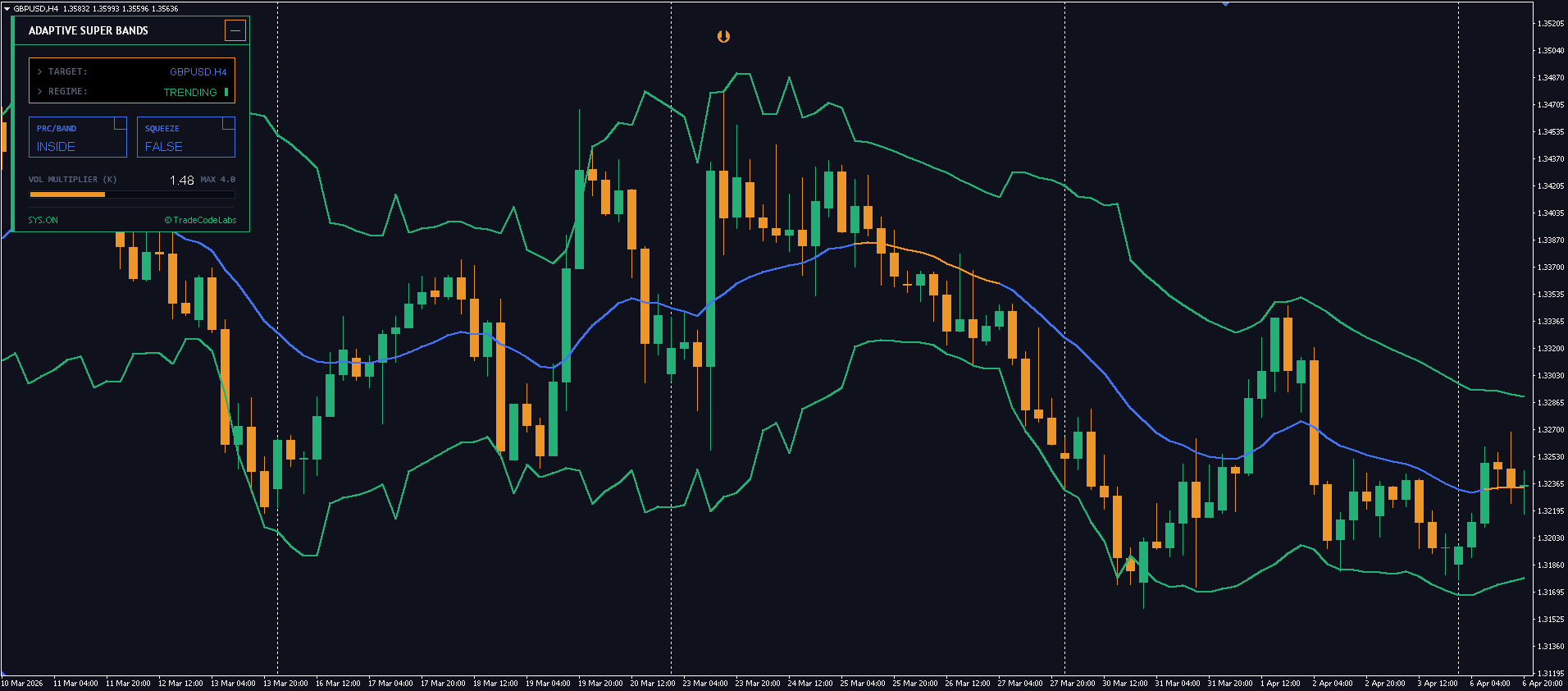
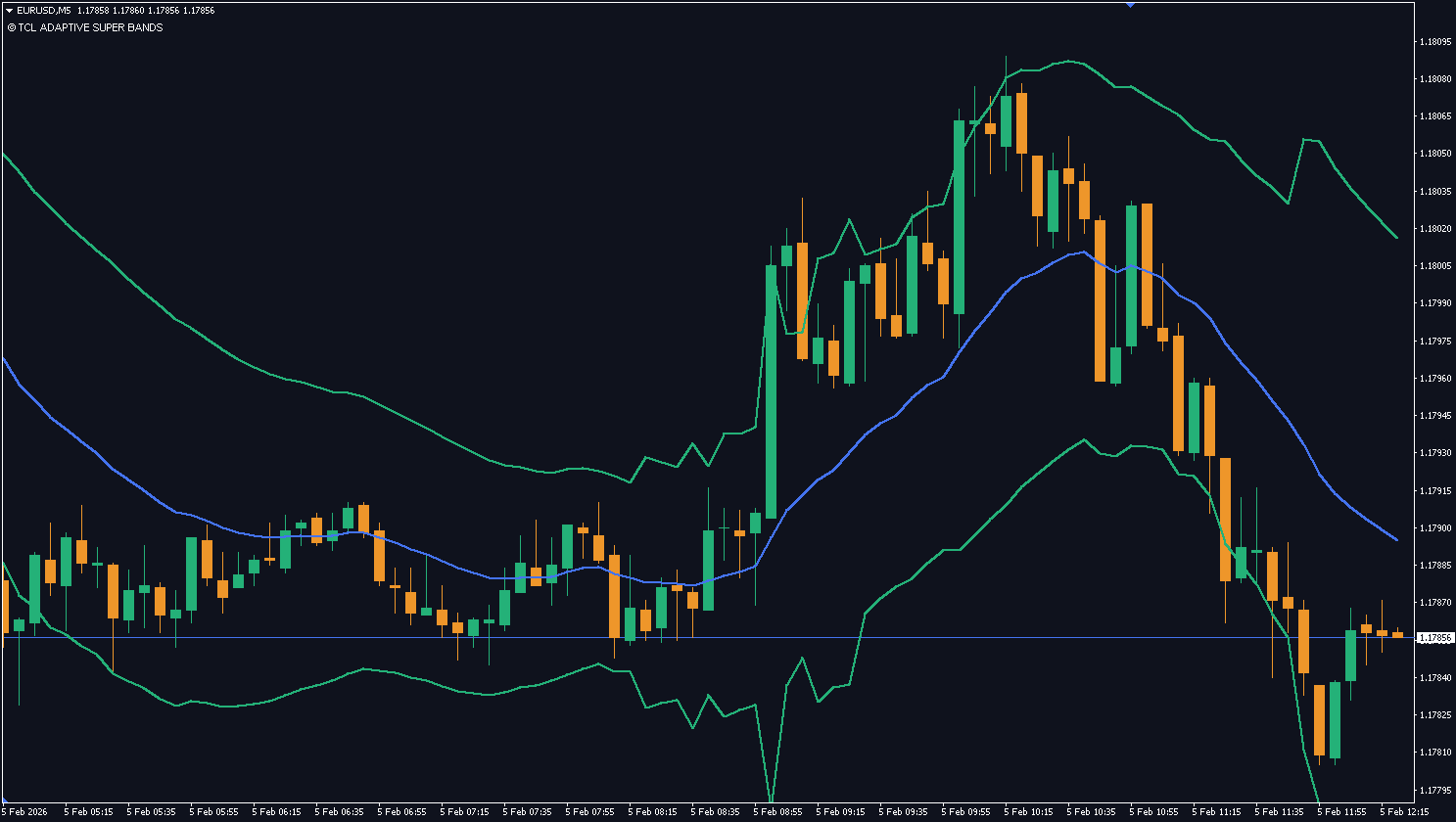
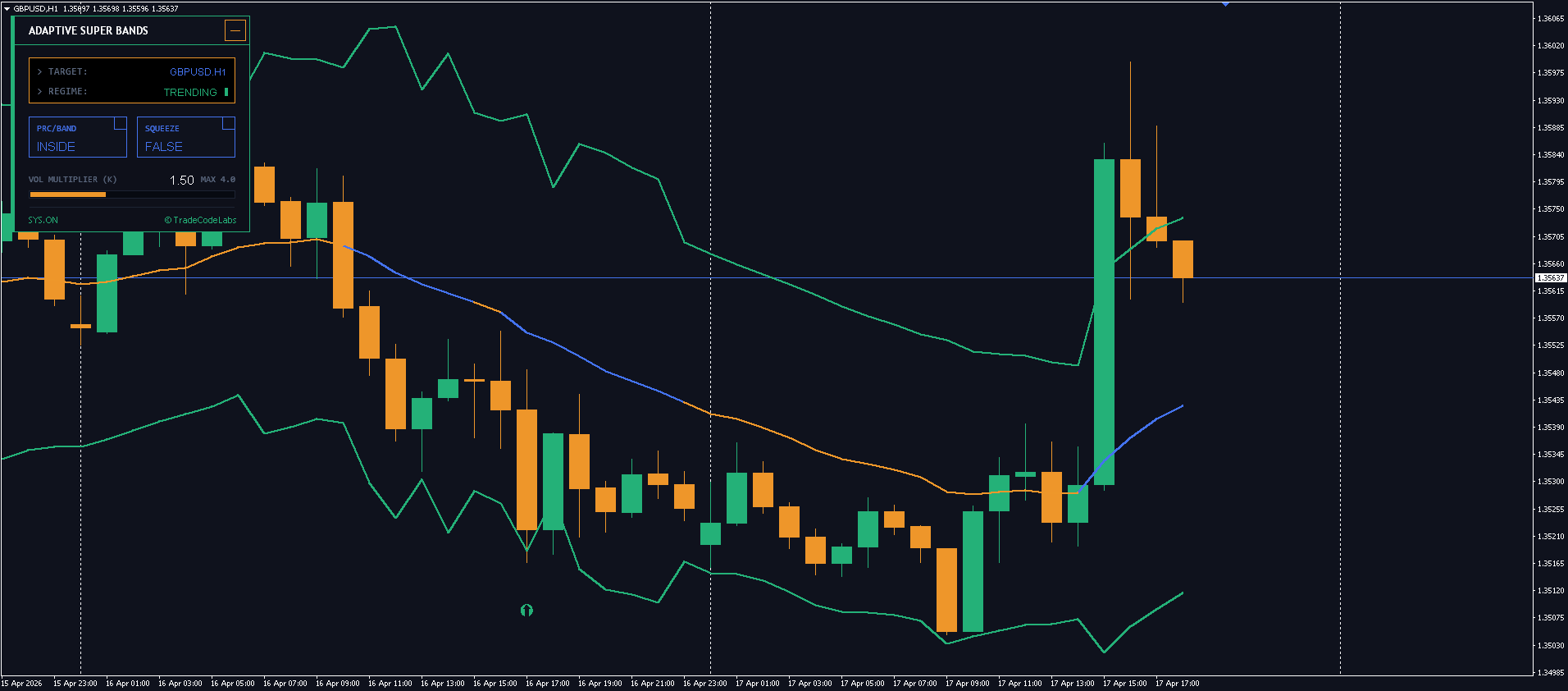
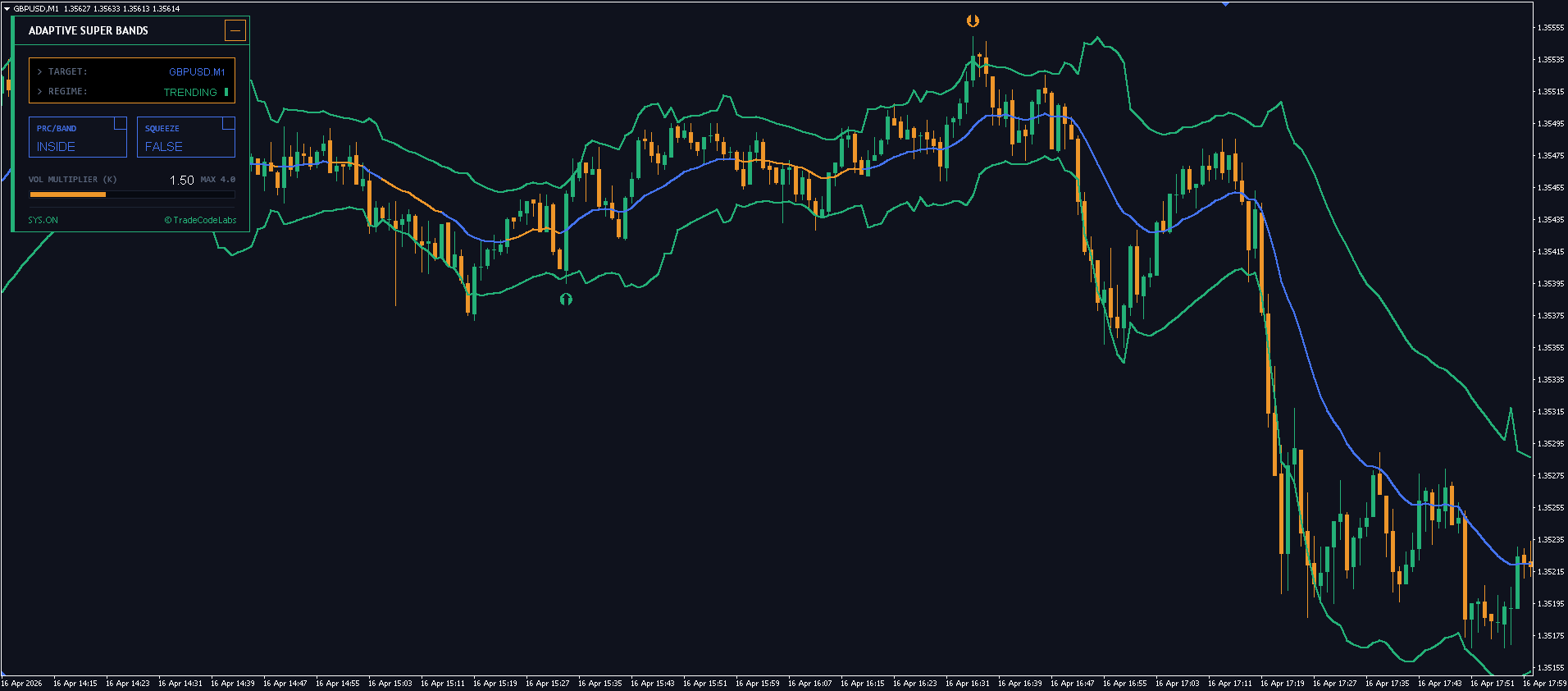
Around the SuperTrend line, the indicator plots ATR-scaled bands that expand and contract with market volatility. These bands serve as a dynamic support/resistance envelope:
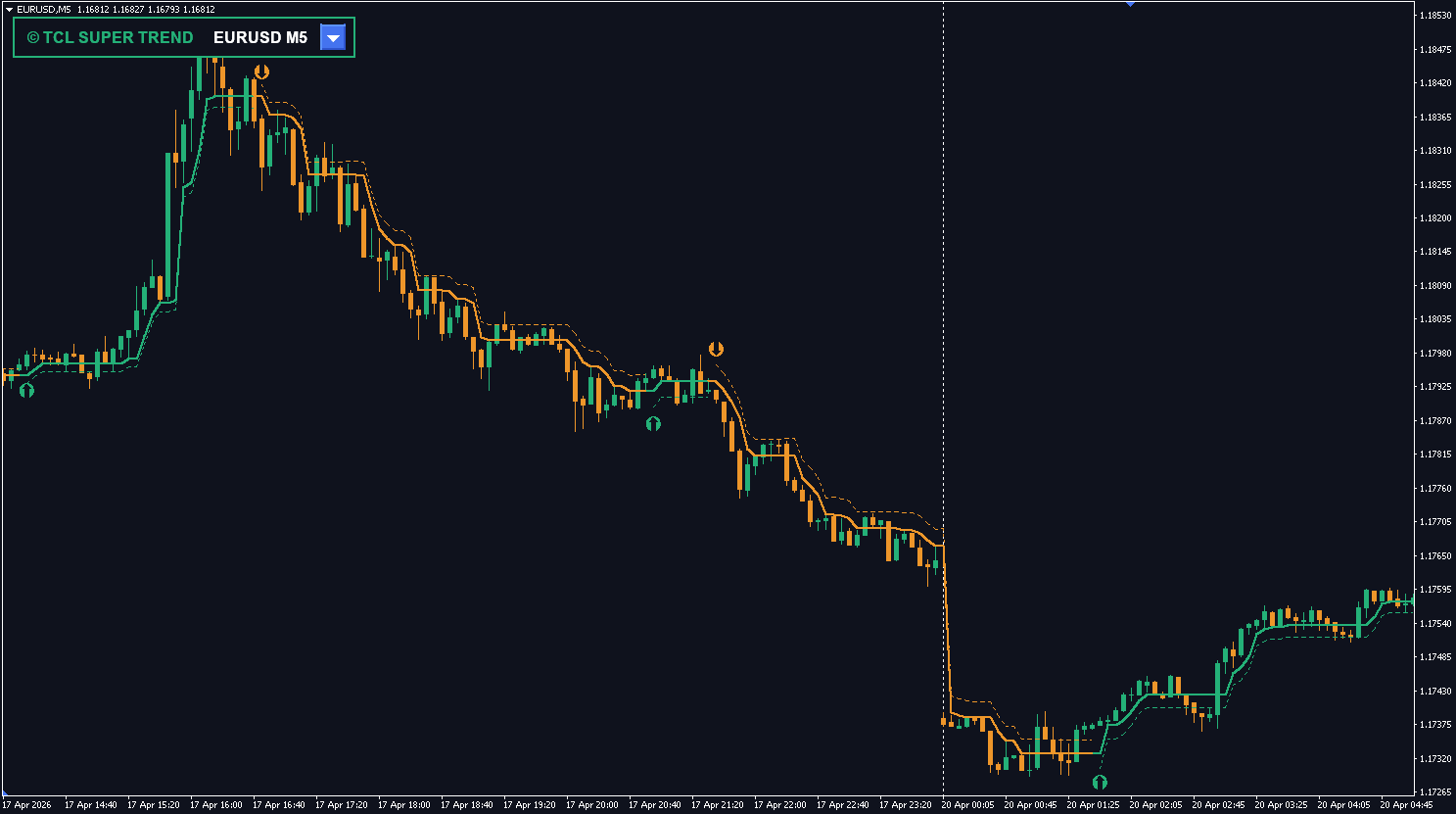
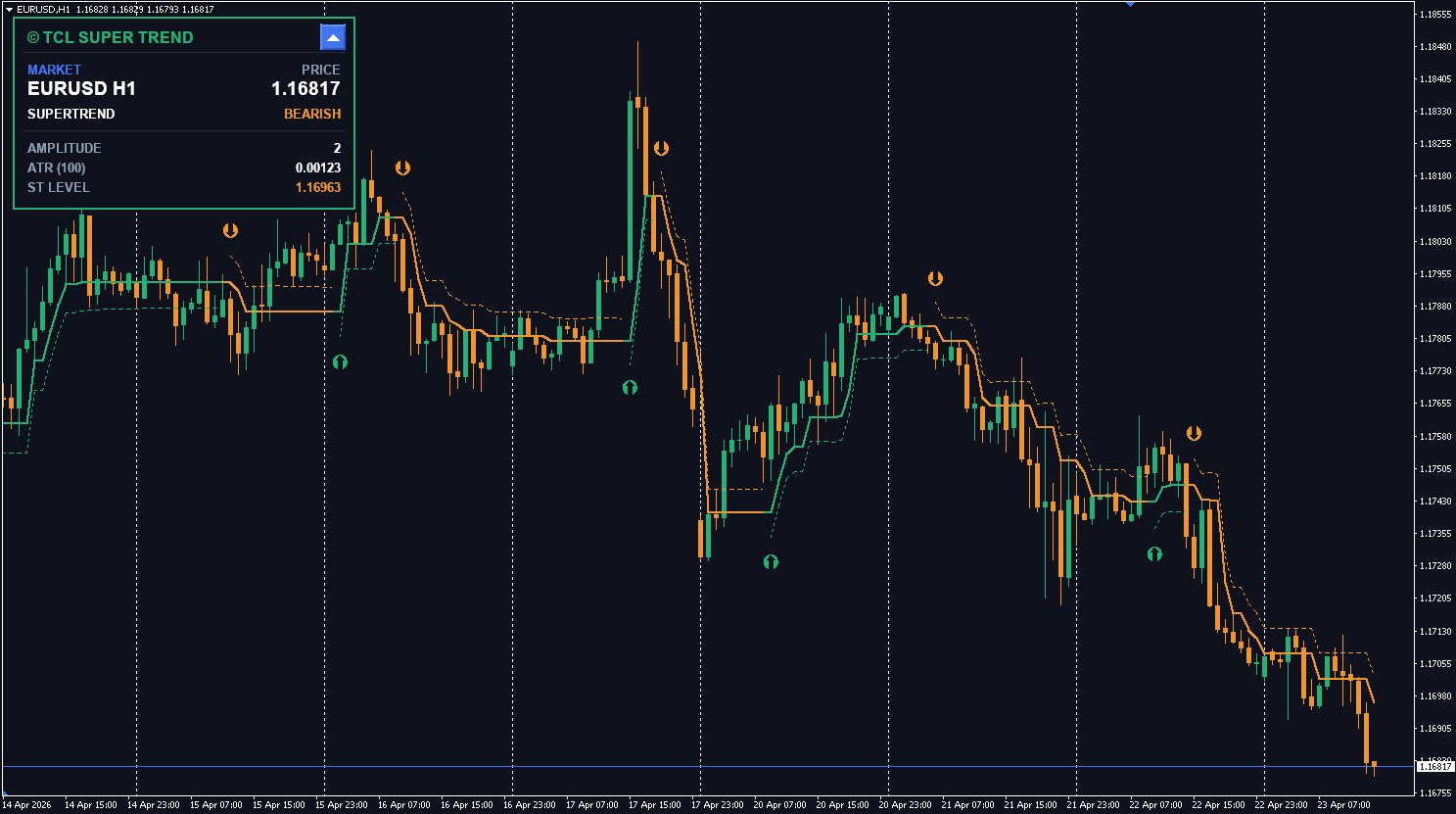
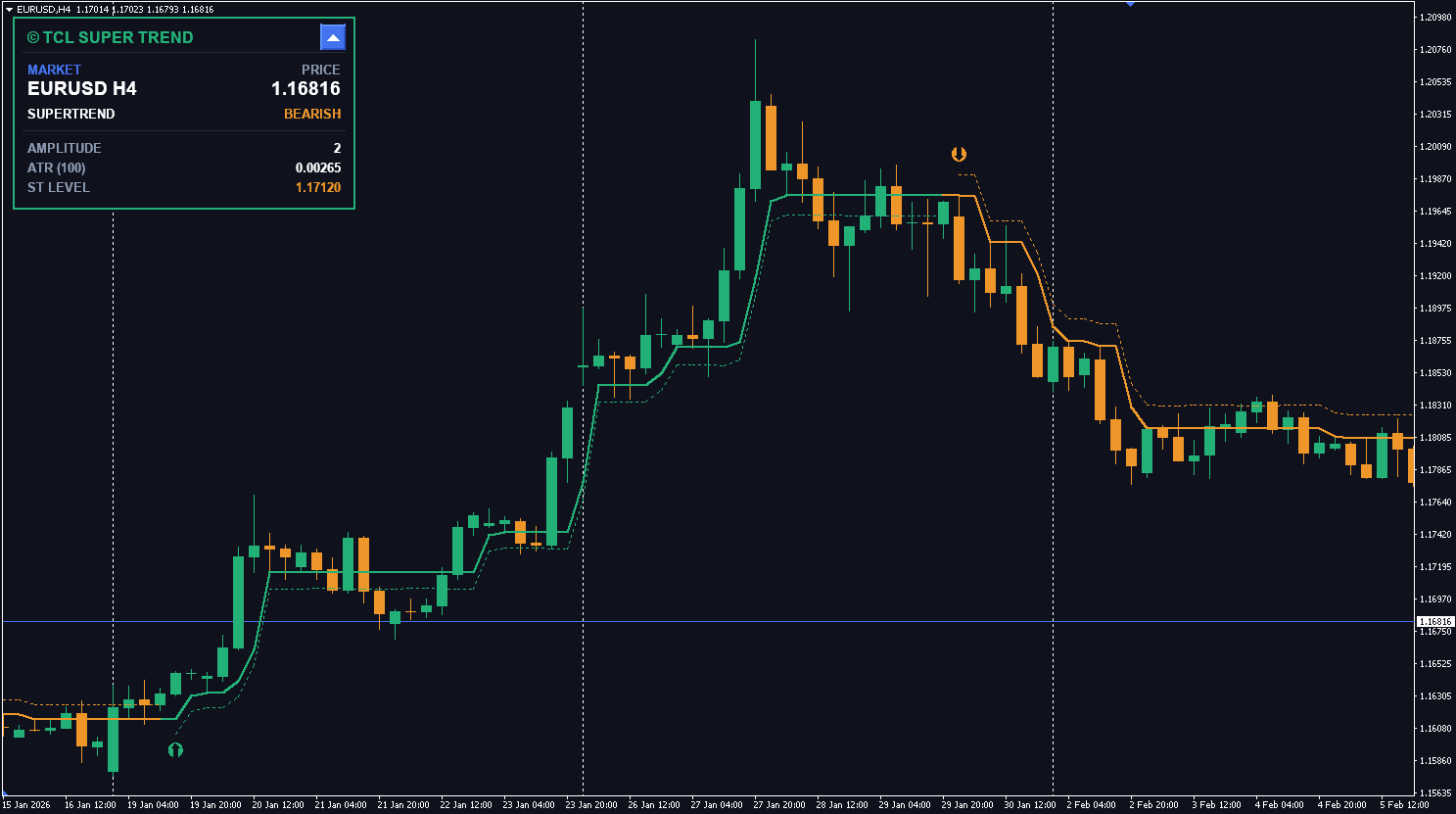
Uptrend (Green): Upper band = SuperTrend level, Lower band = SuperTrend – (ATR × Multiplier). This is your “trailing stop zone.”
Downtrend (Orange): Lower band = SuperTrend level, Upper band = SuperTrend + (ATR × Multiplier). This is the overhead resistance corridor.
The band width is controlled by two inputs: the ATR Period (default 100) for smoothness and the ATR Band Multiplier (default 0.5) for tightness.
Trend Change Arrows
When the state machine detects a confirmed reversal, a green arrow (bullish) or orange arrow (bearish) is plotted at an offset from the SuperTrend level. The offset distance is controlled by the Arrow ATR Factor — keeping arrows visible even on volatile charts. Arrows are strictly non-repainting: they are calculated on the closed bar and never removed.
Trading Strategy
The TCL Super Trend is designed for trend following. Buy Signal (Green Arrow): SuperTrend flips bullish — enter long with the SuperTrend line as your trailing stop. Sell Signal (Orange Arrow): SuperTrend flips bearish — enter short with the SuperTrend line as resistance. The lower band in uptrends acts as a trailing stop-loss reference.
Recommended Settings by Timeframe
Timeframe
Amplitude
ATR Period
ATR Multiplier
Strategy
M1–M5
2
50
0.5
Scalping — tight trailing stop, fast flips
M15–M30
3
100
0.7
Intraday — balanced signal frequency
H1
3
100
1.0
Day trading — wider bands reduce noise
H4
5
100
1.5
Swing trading — catches major moves
D1
7
100
2.0
Position trading — weekly trend direction
TCL Super Trend vs Standard SuperTrend
Feature
Standard SuperTrend
TCL Super Trend
Trend detection
Simple ATR + Close comparison
Dual-logic state machine (amplitude + MA crossover)
Whipsaw resistance
Low — flips on every minor retracement
High — requires both MA and close confirmation
Volatility bands
None
ATR-adaptive upper/lower bands around trend line
MA type selection
None
SMA or EMA selectable for the trend engine
Dashboard
None
Collapsible panel with trend, ATR, level readouts
Arrow placement
Fixed offset
ATR-scaled offset (visible on any volatility)
Multi-alert system
Basic
Popup, Sound, Email, Push — per-channel toggle
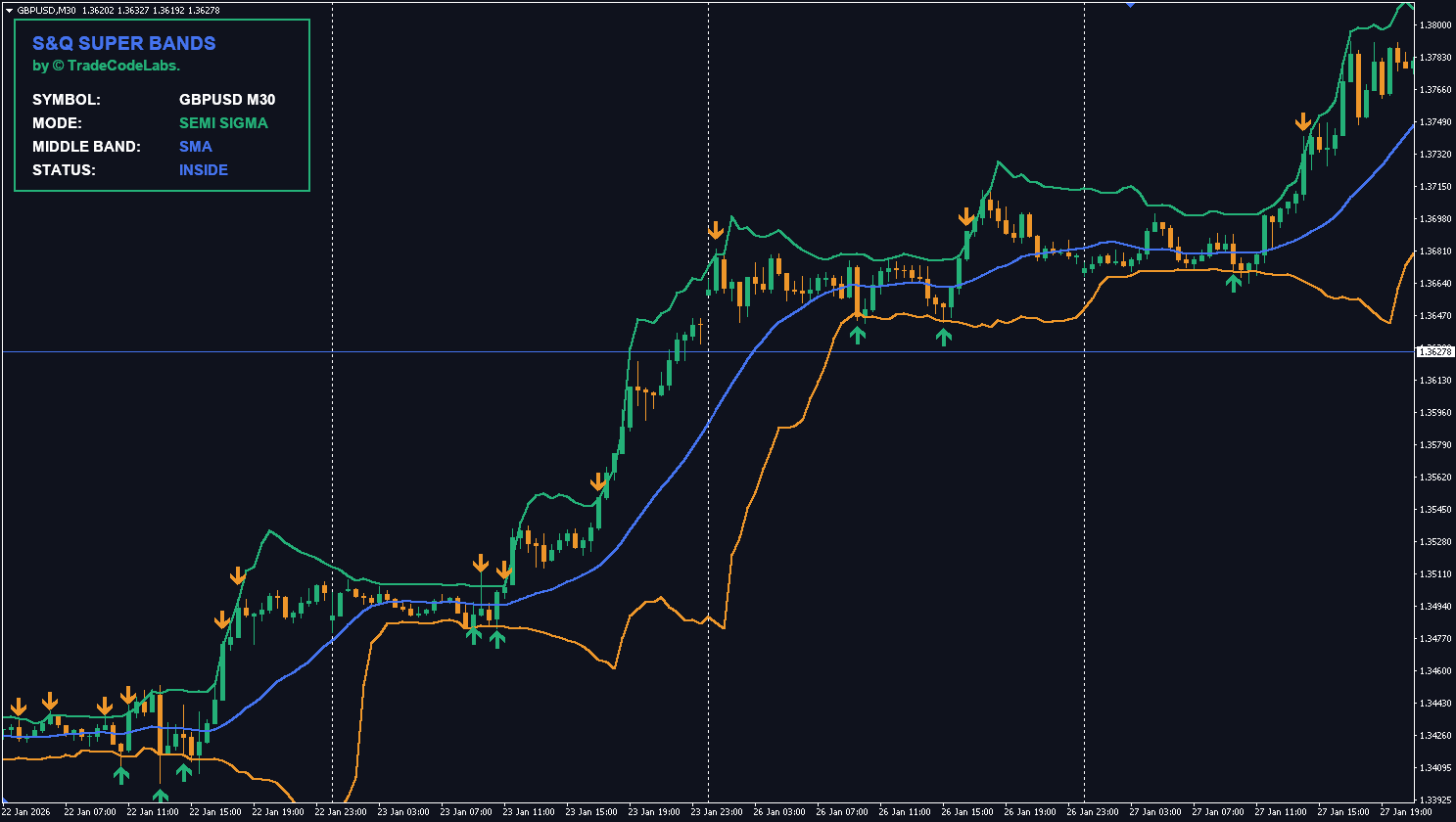
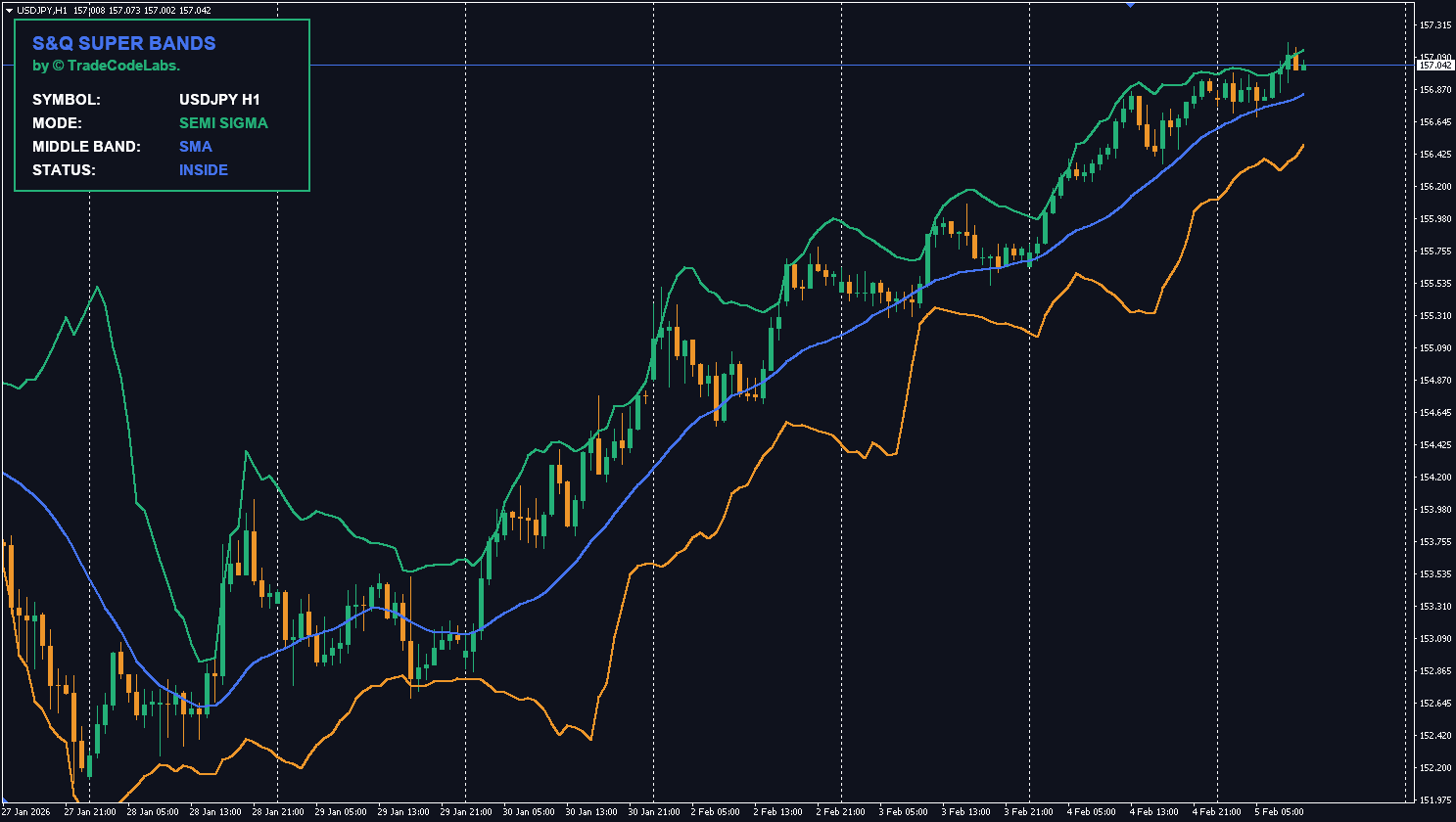
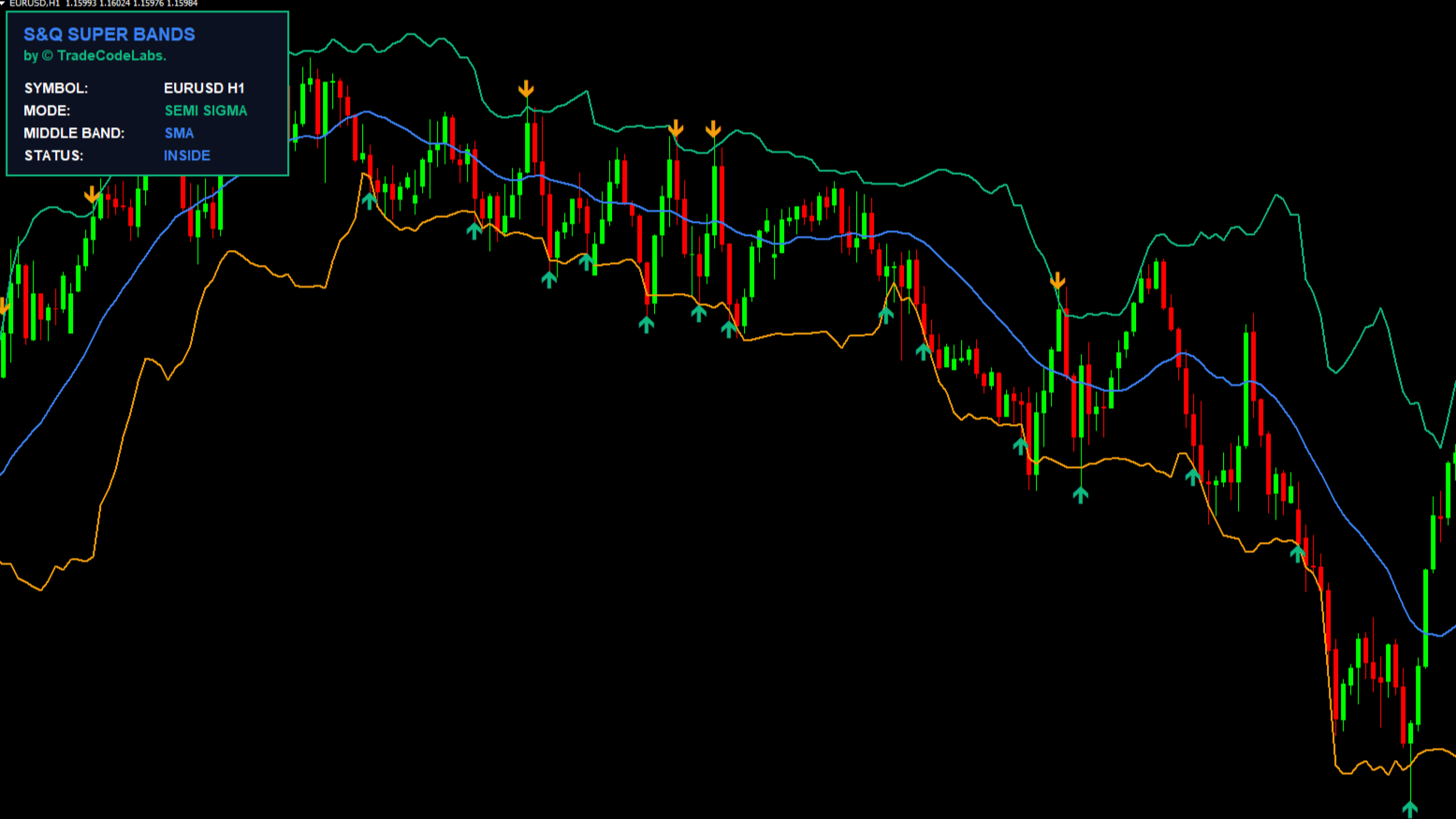
Pro Tip: Use the SMA mode with Amplitude 2 for scalping — it produces faster trend flips. Switch to EMA mode with Amplitude 5+ for swing trading to get smoother trend detection that ignores minor noise. Combine with the TCL Adaptive Super Bands to get both trend direction (SuperTrend) and volatility squeeze detection (Super Bands) on the same chart.
Related Indicators
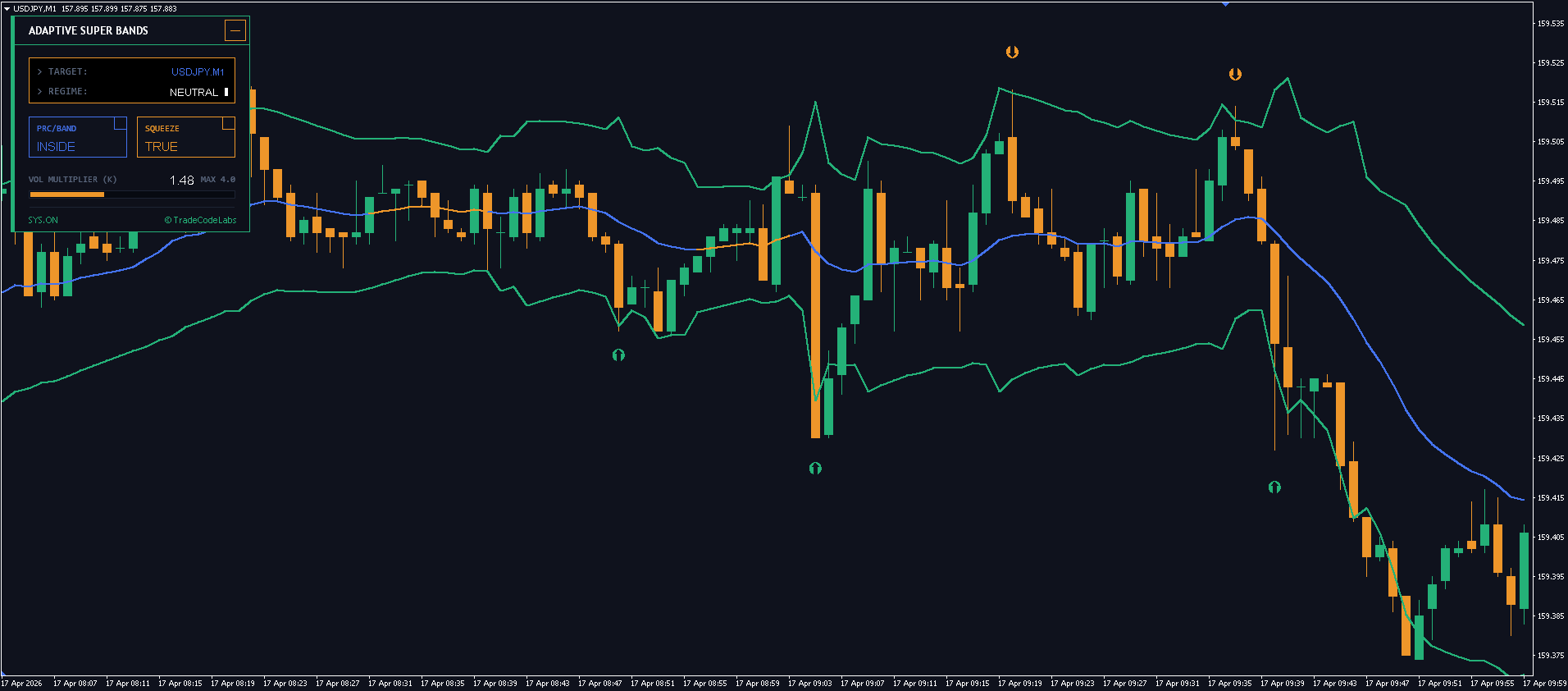
TCL Adaptive Super Bands — Combine SuperTrend direction with EWMA volatility bands for confluence
TCL Auto Pivot Points — Use pivot levels as take-profit targets after a SuperTrend entry
TCL MA Crossovers — Additional MA crossover confirmation before entering a SuperTrend signal
TCL Power Meter — Confirm currency strength direction before trading a trend flip
TCL Correlation Matrix — Check pair correlations before trading SuperTrend signals on multiple charts
Indicator Settings
Parameter
Default
Description
Show Trend Lines
true
Toggle the SuperTrend line visibility on the chart.
Show Trend Bands
true
Toggle ATR-adaptive upper/lower bands.
Show Trend Change Arrows
true
Toggle buy/sell arrows on trend flips.
Arrow Size (1-5)
2
Size of the trend change arrow icons.
Arrow Up Color
#10B981
Color for bullish trend change arrows.
Arrow Down Color
#F59F0B
Color for bearish trend change arrows.
Show Dashboard Panel
true
Toggle the on-chart dashboard.
Default Dashboard State
Maximized
Initial dashboard state (Maximized or Minimized).
Dashboard Location
TL
Corner to display the dashboard (TL, TR, BL, BR).
MA Calculation Method
SMA
Moving Average type for the trend engine (SMA or EMA).
Lookback Period (Amplitude)
2
Number of bars for highest-high/lowest-low detection. Lower = faster, Higher = smoother.
ATR Period (Band Width)
100
ATR lookback for volatility-based band calculation.
ATR Band Multiplier
0.5
ATR scaling factor for band width. Higher = wider bands.
Arrow Offset (ATR Multiplier)
2.0
Distance of trend arrows from the SuperTrend line, scaled by ATR.
Popup Alert
true
Enable MT4/MT5 popup window alerts on trend change.
Sound Alert
true
Enable sound effect on trend change alerts.
Email Alert
false
Enable email notifications on trend change.
Push Notification
true
Enable mobile push notifications on trend change.
Version History
v1.00
Latest Jan 16, 2026
5.0
2 reviews
5 star
2
4 star
0
3 star
0
2 star
0
1 star
0
User Reviews (2)
E
ELIUD BIWOT
May 16, 2026
HIGHLY ACCURATE INDICATOR
J
Javier Herrera
July 8, 2026
Creo que es un indicador de nueva generación porque integra varios indicadores en todo un sistema de trading. Parece tener una tasa de consistencia considerable.
No. The SuperTrend engine confirms a trend flip only when the closed bar's price breaks the previous bar's high/low AND the smoothed extremes cross the tracked boundary. Once plotted, arrows are permanent.
Amplitude controls how many bars the indicator looks back to find the highest high and lowest low. A lower Amplitude (e.g., 2) makes the SuperTrend faster and more responsive. A higher Amplitude (e.g., 7) makes it smoother and less prone to false flips.
SMA gives equal weight to all bars — smoother and more reliable for swing/position trading on H4+. EMA places more weight on recent bars — faster reaction for scalping on M1–M15. Both are valid; it depends on your trading style.
The bands are ATR-scaled envelopes around the SuperTrend line. In an uptrend (green), the lower band acts as a trailing stop-loss reference. In a downtrend (orange), the upper band shows the overhead resistance corridor.
Yes. Set 'Show Dashboard Panel' to false. The trend lines, bands, and arrows will still plot normally. You can also toggle lines, bands, and arrows independently.
Yes. The ATR-based band calculation automatically adapts to any timeframe's volatility. For optimal results, adjust the Amplitude: use 2–3 for M1–M15 scalping, 5–7 for H4–D1 swing trading.
Enable 'Push Notification' in the inputs, and ensure your MetaTrader mobile App ID is linked in the desktop terminal settings (Tools > Options > Notifications).
Yes — completely free. Create a free account, download the .ex4/.ex5 file, and install on MT4/MT5. No limitations or premium unlock required.


User Reviews (2)
ELIUD BIWOT
HIGHLY ACCURATE INDICATOR
Javier Herrera
Creo que es un indicador de nueva generación porque integra varios indicadores en todo un sistema de trading. Parece tener una tasa de consistencia considerable.
Write a Review